-
-
-
Abu Dhabi | Dubai | Musaffah
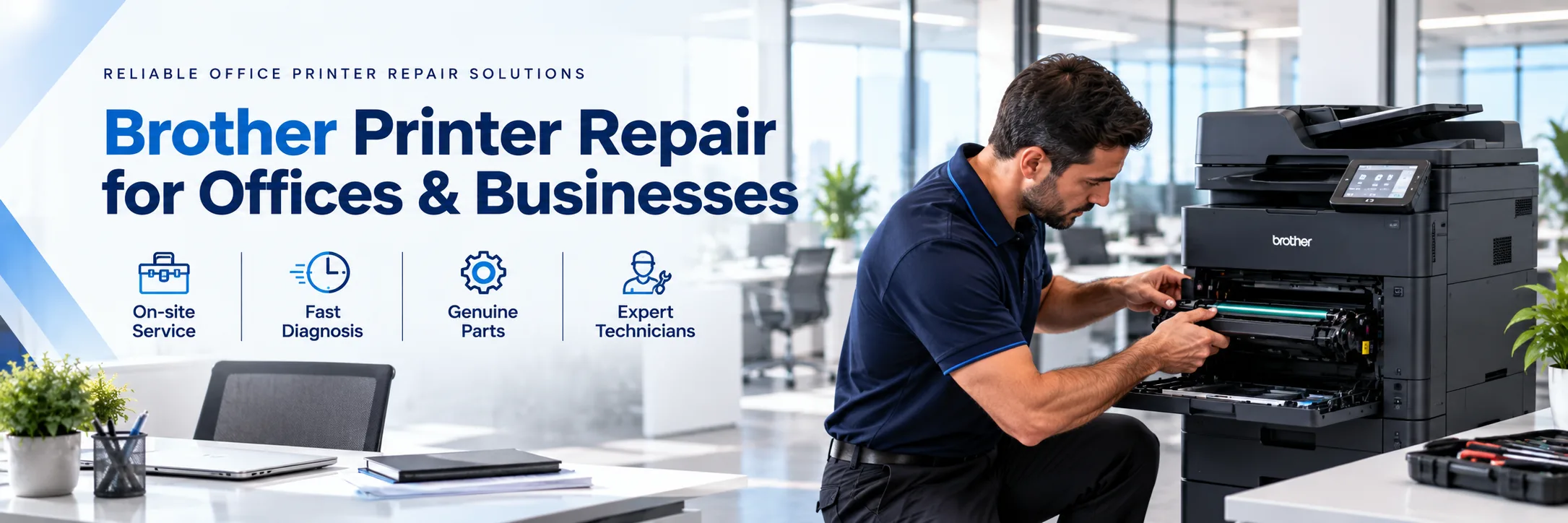
Paper keeps getting stuck. The way the paper prints is changing. The scanner stops working all of a sudden. These are the kinds of problems that can happen on a brother printer without any warning.
It's not always the same. It can be related to the paper, the toner, the printing parts, the scanner the drivers or the network configurations. That is precisely why it is crucial to know the model and to know the exact problem before moving on to a solution.
If you are looking for Brother printer repair in UAE, contact SOS. Out of all the brother office printers, we deal with Brother laser printers, MFC multi functions. We are ready to provide Brother printer repair in Dubai, Abu Dhabi, Musaffah and across the UAE provided that we provide the service in those places.
Share the brother model number before you ask for repair. Also let them know what the main problem is. Once you let them know your location they will be able to decide where to provide the service. If possible, take a pic of the error and get it sent.
Request Brother Printer Service | Contact SOS
Different printer problems can come from reasons. Giving a description of the issue helps the service team know what to look at.
Repeated paper jams can show up in the paper tray, the multi-purpose tray, the duplex path, the output area or in the document feeder. If a paper jam keeps coming back after you've cleared, the printer may need a repair. Indicate where the paper is getting stuck and if a single or multiple paper sources are affected.
Unclear, streaked, lined, marked, shadowed or missing areas on business documents can affect document quality. Images or toner may need to be checked, depending on the model, along with fusing components, printer controls or any contamination. A copy or picture may be useful in explaining the fault.
If you have a brother printer or a brother multi‑function device it may show an error when the machine finds a problem that needs help. Of only saying the printer is not working give me the error message and the exact model’s name of the machine. The real problem, with the machine should be diagnosed before you replace parts and you should use a generic troubleshooting guide.
A Brother printer can sometimes show a toner warning, not recognize an item or make low-quality prints after changing the toner.
Give the printer model and the toner information if possible so the problem that was reported and the items needed can be checked.
The Brother MFC series all-in-ones encompass printing, scanning, copying, and document feeding. A printer can print while the scanner or auto document feeder is inoperable.
Other Symptoms Include scan failure or low-quality scan image's, paper feeding problem, lines on scanned page, or unprofessional or inconsistent copy.
If a printer works on one computer but not on another the problem might be with the network, the driver, the port, the workstation or the settings that belong to the printer. Check whether the printer shows as offline and whether the issue started after a change, to a router, a network, a computer or a driver.
Brother laser printers are commonly used for invoices, contracts, reports, quotations and other office documents. The repair needs for a brother laser printer can vary because different Brother laser printer models use toner cartridges, drums, maintenance parts and configurations.
Brother MFC devices combine office tasks in a single machine. If something goes wrong it can stop printing, scanning, copying or feeding documents.
When you ask for service explain which function has stopped working and which functions are still working. That gives a picture of the problem.
SOS can look over the brother laser printers Brother MFC devices, colour printers and older office models that are still supported.
A printer does not always have to be thrown because of one problem. Fixing a printer can be a choice if the problem is small if the printer still meets the office needs and if replacement parts are easy to find.
Replacement may be considered when several major components need attention. It’s also an idea when essential parts are hard to find. If the printer keeps breaking down and that disrupts work replacement might be the choice. If the printer no longer fits the business workload it’s time to think about getting a new one.
The decision depends on the printer’s condition the repair requirement, parts availability, downtime and the current needs. If replacement is more practical, SOS also provides printer sales and other equipment options.
You do not need to diagnose the printer yourself. Send the information below so the service requirement can be reviewed:
Complete Brother model number
Main problem or symptom
Error or service message
Office location
Affected function
Error photo, if available
Print sample for print-quality problems
Recent toner, drum, network, computer, or driver changes
For example, “Brother printer not working” gives limited information. A message such as “Brother MFC shows an error after toner replacement” gives more useful information for the initial review.
If you run a business and need Brother printer service in the UAE you can contact SOS. Provide SOS with your printer model. Describe the problem.
For support you can also ask about Brother printer maintenance UAE options, for your supported equipment. Brother printer maintenance UAE requirements depend on your printer model, how much the printer is used, its condition and the service needs.
SOS also handles enquiries, about toner and consumables spare parts printer AMC, refurbished printers, printer sales and rental options where relevant. For printer repair services businesses can also explore SOSs general printer repair support, which covers a wide range of problems and solutions.
Businesses that want Brother printer repair in Abu Dhabi can send the model number, details about the problem and their location for checking.
For Brother printer repair in Dubai include the printer model, the issue, the location and if possible, an error photo or a print sample.
SOS takes care of Brother printer service questions, in Abu Dhabi, Dubai, Musaffah, Sharjah, Al Ain, Ajman and other places depending on whether services available.
Contact SOS
Abu Dhabi: 02 442 9966
Dubai: 04 324 0050
Musaffah: 02 550 5265
WhatsApp: +971 50 969 4734
Additional Mobile: +971 50 159 4734
Everything you need to know. Detailed
overview of our frequently asked questions
A Comprehensive Guide to Our Frequently Asked
Questions
Find the Information You’re Looking For
Yes. SOS handles Brother printer repair in Abu Dhabi to service availability. Send the printer model, problem details and office location.
Yes. Businesses looking for Brother printer repair, in Dubai can contact SOS with the printer model fault details and location.
SOS gets service requests from all parts of the UAE Abu Dhabi, Dubai, Musaffah, Sharjah, Al Ain and Ajman if it is available.
These include supported issues such as paper jams, printer not printing at all, error messages, problems with toner, scanner issues, ADF problems, network or driver issues.
Yes. SOS looks after service requests for supported Brother MFC devices which include the use of the print, copy, scan and document feeding capabilities.
Yes. SOS can investigate a Brother laser printer repair that is supported. A model and problem reported is required before SOS can validate a service requirement.
SOS can check Brother printers and MFC models that are supported. Whether a repair is possible depends on the model the condition of the machine the support that is available and whether spare parts can be found.
SOS can check network, driver, port and printer setup problems that you report, when those problems apply. Tell us about any changes, to your network or computer.
Please send model number, description of the problem, error message, location and the function affected. A photo of the error or print sample can be provided as well.
You can contact SOS by phone or WhatsApp. Share your brother printer details for service review.





|
What can I help with?