-
-
-
Abu Dhabi | Dubai | Musaffah
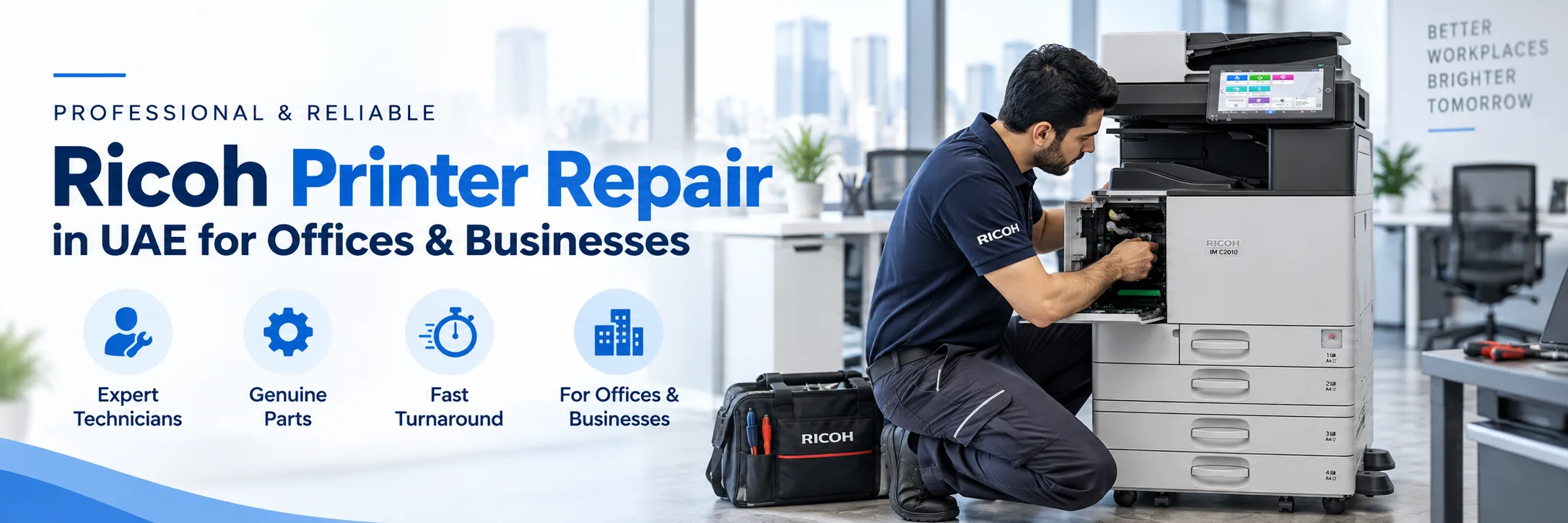
Is your Ricoh printer not printing correctly getting stuck or displaying an error? A printer issue can slow down office tasks. Paper jams can delay invoices and reports. Scanner issues can stop documents from being sent. Bad print quality can also affect presentations and other office work.
Superior Office Services LLC, also known as SOS offers repair services for Ricoh printers. Businesses in the UAE can rely on Superior Office Services LLC to support their Ricoh printers, multifunction printers and photocopiers. Superior Office Services LLC handles service requests, in Abu Dhabi, Dubai, Musaffah and other locations. Superior Office Services LLC can inspect printer faults and help businesses find the right repair or maintenance option. Send the printer model, problem details and location when requesting service.
Request Ricoh Printer Service | Contact SOS
One of the most common causes of office printer downtime is a paper jam. If the paper is not feeding properly through the printer, it can cause multiple jams which can greatly reduce productivity and require a thorough inspection of the paper path and feeding system.
Prints might be too light, uneven or marked. Such problems might be found on reports, documents and presentations. Check the imaging system, fixing system, toner, or other components.
Ricoh printer, an error or service message may appear to let you know there is a problem with a part or function. The best thing you can do is make a note of the message or take a picture of it for the service department.
Toner warning, slow output, or other consumable issues can impact the quality of the print. SOS can also respond to questions about compatible toner and consumables.
Users might not be able to scan documents because of a scanner or auto document feeder problem. Known supported scanner and ADF issues can be investigated by SOS.
Sometimes the printer works fine. Users cannot print from their computers. The network settings the drivers or the software configuration may need to be checked.
In the event the scan to email or scan to folder fails then it could be down to a setting or network issue. When requesting support provide the scan to email error message and any recent changes to the printer or scan to folder setup.
Numerous offices utilize Ricoh multifunction printers for printing, duplicating and also scanning. If among these makers is off line, it may influence a variety of offices.
SOS provides Ricoh copier repairs for all Ricoh photocopiers under the support of SOS. Repairs might include checks on the paper path, the imaging unit, the fixing unit, the scanner, network connection and the software.
SOS delivers service enquiries for Ricoh printers, and multifunction printers and copiers. Colour-Handling equipment may need servicing if all colours appear level, weak or marked. Monochrome-Handling equipment might require servicing if text, lines or repeat marks appear pale on pages. The required service will depend on your printer type and fault.
A company might also find value in even older Ricoh photocopiers and printers. Still, condition and parts availability might restrict the ways you're able to fix the machine.
SOS will examine supported older models and offer suggestions about replacement or repair whether the problem is repair worthy.
Problem | Possible Service |
|---|---|
| Repeated paper jam | Paper path and feeding inspection |
| Lines or marks on prints | Print quality and imaging check |
Error or service message | Fault diagnosis |
Printer not printing | Printer, network, or driver check |
Scan-to-email failure | Network and configuration check |
ADF problem | Scanner and feeder inspection |
| Toner warning | Toner or consumable check |
Repair might make sense if the issue is small and the needed parts are easy to get. Replacement could be better if many big parts are broken, if parts are hard to find or if the printer keeps having problems.
Think about how the printer's doing how much repair will cost how long it will be out of service and what your business needs are right now, before choosing.
Businesses contact SOS for fault diagnosis, printer and photocopier repair, network and driver assistance, toner and consumables, spare parts, and maintenance support.
Businesses can also ask about Ricoh printer maintenance UAE options for regular service support. The aim is to identify the reported problem and determine the service that may be required.
To help the service team understand the problem, provide:
Printer brand and exact model
Main problem
Error or service message
Photo of the error, if available
Location
Affected function, such as print, copy, or scan
A sample print, if the issue is with print quality
Any recent changes to the printer or network
Providing these details can make the initial review easier.
SOS handles service enquiries in different parts of the UAE, subject to service availability.
Abu Dhabi – 02 442 9966
Dubai – 04 324 0050
Musaffah – 02 550 5265
WhatsApp – +971 50 969 4734
Additional mobile – +971 50 159 4734
For businesses looking for Ricoh printer repair Abu Dhabi, send the printer model and fault details before requesting service. For Ricoh printer repair Dubai, provide the same information so the team can review the service requirement. SOS supports businesses with printer and photocopier service enquiries across the region.
Everything you need to know. Detailed
overview of our frequently asked questions
A Comprehensive Guide to Our Frequently Asked
Questions
Find the Information You’re Looking For
SOS can inspect supported problems such as paper jams, poor print quality, error messages, toner issues, scanner problems, ADF faults, and network or driver issues.
Yes. SOS handles service enquiries for supported Ricoh multifunction printers used for printing, copying, and scanning.
Yes. SOS handles Ricoh photocopier repair enquiries for supported machines.
SOS can inspect reported network, driver, and configuration problems related to supported printers.
SOS can review supported older Ricoh models. Parts availability and machine condition may affect the repair option.
Yes. Service enquiries can be made for Abu Dhabi, subject to availability.
Yes, you need to send the printer model and issue details to SOS for the company in Dubai.
Give the model, problem, error message, place, and what is being impacted. It really helps to see a picture of the mistake.
For enquiries regarding supported toner, consumables and spare parts please contact SOS.
Reach out to SOS on the phone numbers or WhatsApp number provided and submit your printer details for assessment.


What can I help with?