-
-
-
Abu Dhabi | Dubai | Musaffah
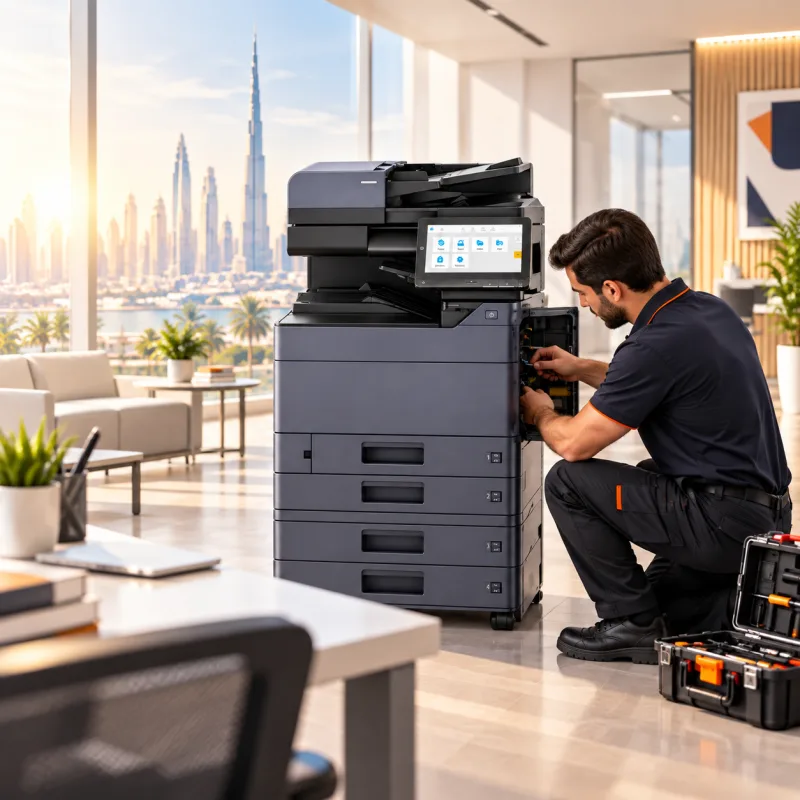
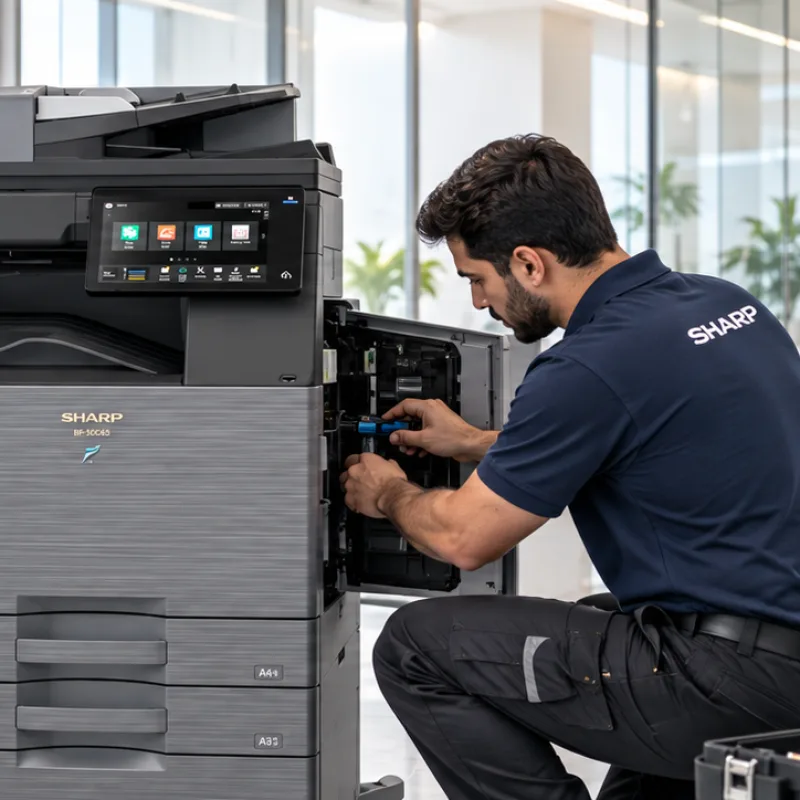
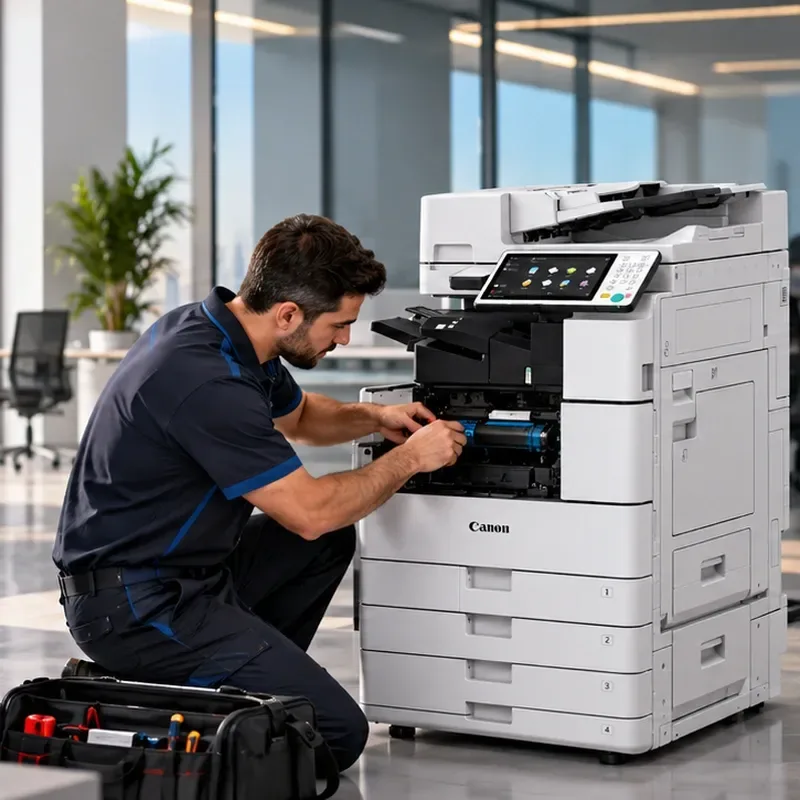
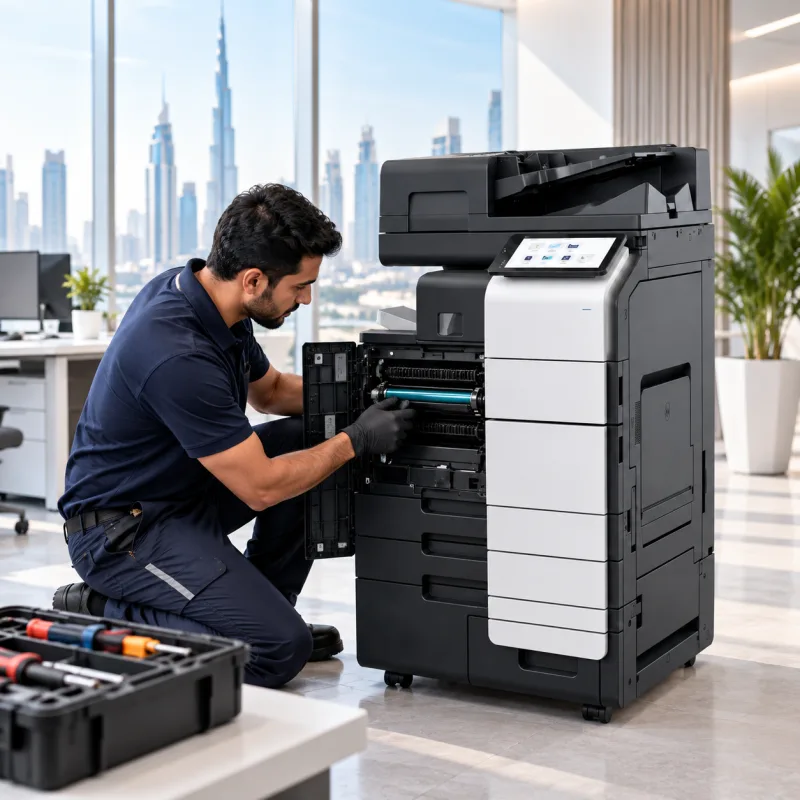
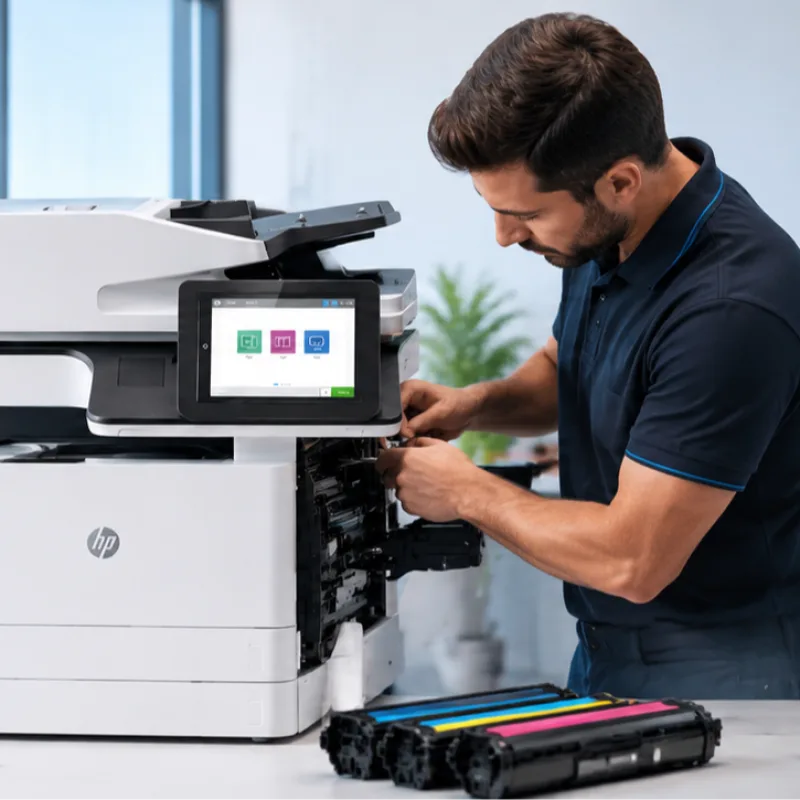
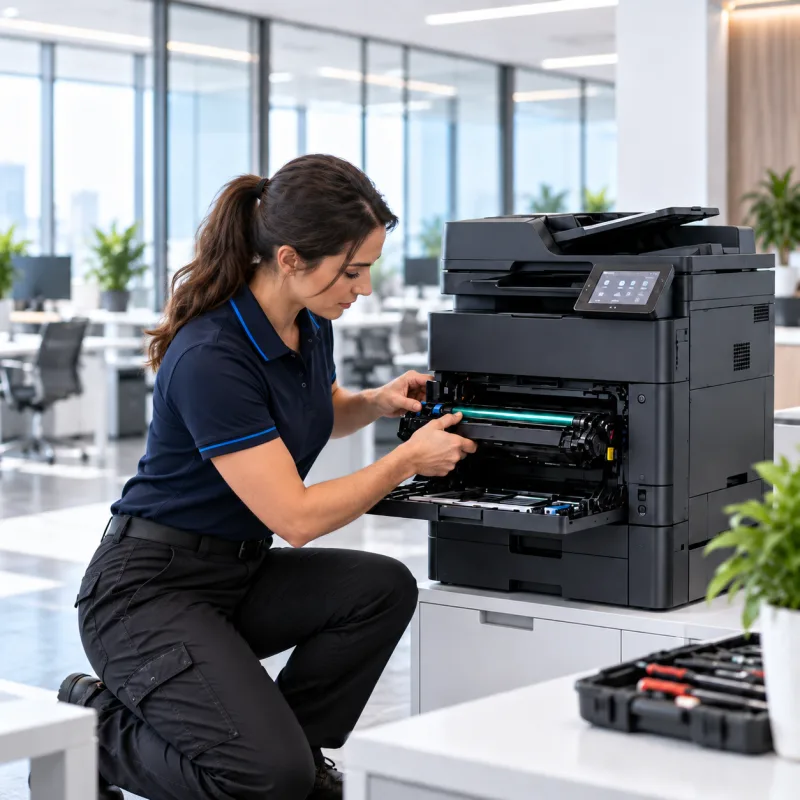
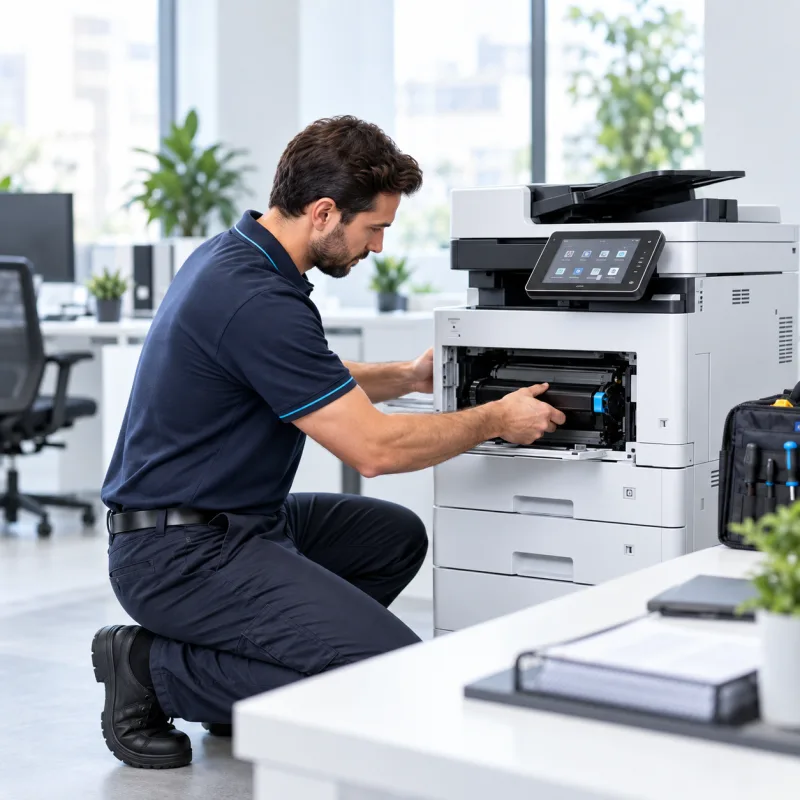
Need reliable printer repair in the UAE? Superior Office Services LLC (SOS) provides fault diagnosis, repair and maintenance support for office printers, multifunction printers and photocopiers used by businesses across Abu Dhabi, Dubai, Musaffah and other UAE locations. SOS handles service enquiries for supported equipment from brands including Kyocera, Canon, Konica Minolta, Sharp, HP, Ricoh, Epson, Brother, Triumph-Adler and UTAX. Send the complete model number, the problem you are experiencing and your office location so the service requirement can be reviewed.
Request Printer Repair Service | Contact SOS
A printer fault can quickly interrupt normal business operations. A paper-feed problem may delay invoices, delivery notes and quotations. A scanner issue can stop contracts and signed documents from reaching customers. Poor print quality can affect reports and presentations, while a shared multifunction device that goes offline can interrupt an entire department.
The most useful starting point is to identify what the machine is doing, which function has failed and whether the problem is constant or intermittent. A printer that jams from one cassette may need a different inspection from a machine showing an error message, producing streaks, or printing from one computer but not another.
If an error appears on the display, take a clear photograph before restarting the machine. Also note the exact model number. These details can help the service team understand the fault before inspection.
SOS handles printer and photocopier repair enquiries for equipment used in corporate offices, schools, clinics, warehouses, trading companies, logistics businesses, construction offices, real estate companies, business centres and other commercial environments.
Depending on the printer type and symptoms, inspection may involve the paper path, feeding system, toner or ink components, imaging system, fixing or fusing system, scanner, document feeder, network settings, drivers, software configuration or other machine assemblies.
Contact SOS to confirm current service and spare-parts availability for your exact printer model.
Repeated jams can occur at the cassette, multipurpose or bypass tray, duplex path, output area, document feeder or another point in the paper path. If the same jam keeps returning after the paper is removed correctly, the machine may need inspection rather than repeated resetting.
Lines, streaks, marks, faded output, missing areas, background shading, banding or colour inconsistency can have several possible causes. Consumables, imaging components, transfer or fixing systems, contamination and printer settings may all need to be checked depending on the technology and model.
Office printers and multifunction devices may display error or service messages when the machine detects a condition requiring attention. Send the complete message together with the exact model. Avoid replacing expensive parts based only on a generic online interpretation because diagnosis should be matched to the specific machine and fault condition.
A printer may show a toner or ink warning, fail to recognise a consumable correctly or produce poor output after a cartridge, toner or ink change. Share the printer model and consumable code with SOS so compatibility and machine condition can be checked.
SOS can review service enquiries where printing works but scanning, copying or document feeding does not. Typical symptoms may include scan failure, poor scanned image quality, ADF feeding problems, lines on scanned pages or inconsistent copy output.
A printer that works from one computer but not another may have a network, driver, port or workstation configuration issue rather than a mechanical failure. Useful information includes which computers are affected, whether the printer shows as offline and whether the problem started after a network, router, computer or driver change.
Changes to authentication, email settings, passwords, network permissions, servers or office computers can affect scanning workflows even when the printer itself is otherwise functioning normally. SOS can review the symptoms and determine whether printer configuration or the surrounding IT environment needs attention.
SOS handles service enquiries for a range of office-printer brands. Service and parts availability depend on the exact model and machine condition.
Kyocera: TASKalfa, ECOSYS and supported older office models.
Canon: imageRUNNER and supported office printer models.
Konica Minolta: bizhub and supported multifunction devices.
Sharp: colour and monochrome office MFPs and photocopiers.
HP: LaserJet, Color LaserJet and supported office MFPs.
Ricoh: supported office printers, MFPs and photocopiers.
Epson: EcoTank, WorkForce and supported office printers.
Brother: laser printers, MFC devices and supported office models.
Triumph-Adler: supported multifunction printers and photocopiers.
UTAX: supported office printers and multifunction devices.
| Printer Symptom | Information to Send SOS | Service Direction |
|---|---|---|
| Repeated paper jam | Jam location or display message | Paper path and feed-system inspection |
| Lines, streaks or poor output | Print sample or photo | Print-quality diagnosis |
| Error message | Screenshot or photo | Model-specific diagnosis |
| Printer offline or cannot print | Which computers are affected | Network, driver or printer inspection |
| Scan-to-email fails | Error shown and destination type | Scan and configuration diagnosis |
| ADF does not feed correctly | Paper type and symptom | Document-feeder inspection |
| Toner, ink or cartridge warning | Printer model and consumable code | Consumable and device check |
This table is an initial guide only. Final diagnosis may require inspection of the printer or photocopier.
A brand name alone is not enough because different models and generations use different parts and configurations. Send the complete model number shown on the machine.
Take a clear photograph of the complete display or computer error message before restarting the device. The exact wording is more useful than a general description such as “printer not working.”
Explain whether the problem affects printing, copying, scanning, faxing, document feeding, network printing or more than one function.
For lines, faded output, marks, banding or colour problems, keep a sample page or send a clear photograph of the result.
Mention if the issue started after toner, ink or cartridge replacement, moving the printer, changing the router or network, changing passwords, replacing a computer, installing a driver or changing email or scan settings.
You do not need to know the exact monthly print volume. Simply explain whether the machine serves one user, a small office, a shared department or a busy copier area.
Not every printer problem should automatically lead to replacement, and not every older machine is economical to keep repairing. The right decision depends on the fault, overall machine condition, availability of parts and whether the device still matches the office requirement.
Repair may make sense when the fault is isolated, the machine still suits the workload and parts are reasonably available. Replacement may deserve consideration when several major components require attention, essential parts are difficult to source, repeated downtime is affecting operations or the office now needs different printing, scanning or paper-handling capabilities.
SOS can discuss repair and replacement directions after the problem is assessed. Businesses can also ask separately about new printers, refurbished equipment or printer rental where appropriate.
The objective is to identify the likely cause of the problem before deciding which repair or component is required.
SOS handles service enquiries for supported printers, multifunction devices and photocopiers from multiple office-equipment brands.
Where the problem involves office connectivity rather than only mechanical operation, network, driver or printer configuration can be reviewed as part of troubleshooting where applicable.
SOS also supplies printer consumables, allowing customers to discuss consumable-related concerns alongside repair requirements.
Parts requirements depend on the exact model and fault. Availability should be confirmed after diagnosis.
Businesses that depend on shared printers can ask about maintenance options instead of relying only on breakdown repair.
If an older printer is no longer practical to maintain, SOS can separately discuss sales, refurbished or rental options based on the office requirement.
Send the printer brand and complete model number.
Describe the fault or symptom.
Send a photo of the error message if available.
Share your UAE office location.
Mention whether printing, copying, scanning or another function is affected.
SOS reviews the service requirement.
Repair, parts or additional work can be discussed after diagnosis where applicable.
| Information | Example |
|---|---|
| Office location | Dubai |
| Printer brand | Canon / Kyocera / HP |
| Model | Complete model number |
| Problem | Repeated paper jam |
| Error message | Photo if available |
| Affected function | Print and scan |
| Print sample | Photo showing streaks |
| Contact | Mobile / WhatsApp |
Corporate offices, professional firms and business centres may depend on shared printers for contracts, invoices, reports and scanned documents. A scanner, network or document-feeder problem can affect several employees at once.
Schools, clinics and administrative departments often rely on dependable printing and scanning for worksheets, records, forms, reports and daily paperwork.
Warehouses, logistics companies, trading businesses and construction offices may depend on printers for delivery notes, invoices, purchase documents, stock paperwork and project reports. Repeated jams or connectivity problems can quickly interrupt routine operations.
SOS handles printer repair enquiries from customers in Abu Dhabi, Dubai, Musaffah, Sharjah, Al Ain, Ajman and other UAE locations, subject to service availability. If your office is outside the main service areas, send your location together with the printer model so SOS can confirm the available service option.
Abu Dhabi: 02 442 9966
Dubai: 04 324 0050
Musaffah: 02 550 5265
WhatsApp: +971 50 969 4734
Additional Mobile: +971 50 159 4734
Printer Repair: Multi-brand printer and multifunction-device fault diagnosis.
Photocopier Repair: Service enquiries for office copier and A3 multifunction equipment.
Printer AMC: Maintenance options for businesses that need continued printer support.
Toner and Cartridge Supply: Consumables for compatible printer models.
Spare Parts: Parts support for selected models, subject to availability.
Printer Sales: New printer options when replacement is more practical than continued repair.
Refurbished Printers: Alternative equipment for businesses comparing replacement options.
Printer Rental: An alternative for offices that prefer to use equipment without purchasing it outright.
Photocopier Rental: Rental options for offices requiring multifunction copier equipment.
If your office printer, multifunction device or photocopier is showing an error, jamming, producing poor output, going offline or failing to print, copy or scan correctly, send SOS the complete model number, office location and a short description of the problem. Include a photo of the error display or print sample where available.
Request Printer Repair on WhatsApp
Visit sosauh.com or call Abu Dhabi on 02 442 9966, Dubai on 04 324 0050, or Musaffah on 02 550 5265.







|
What can I help with?