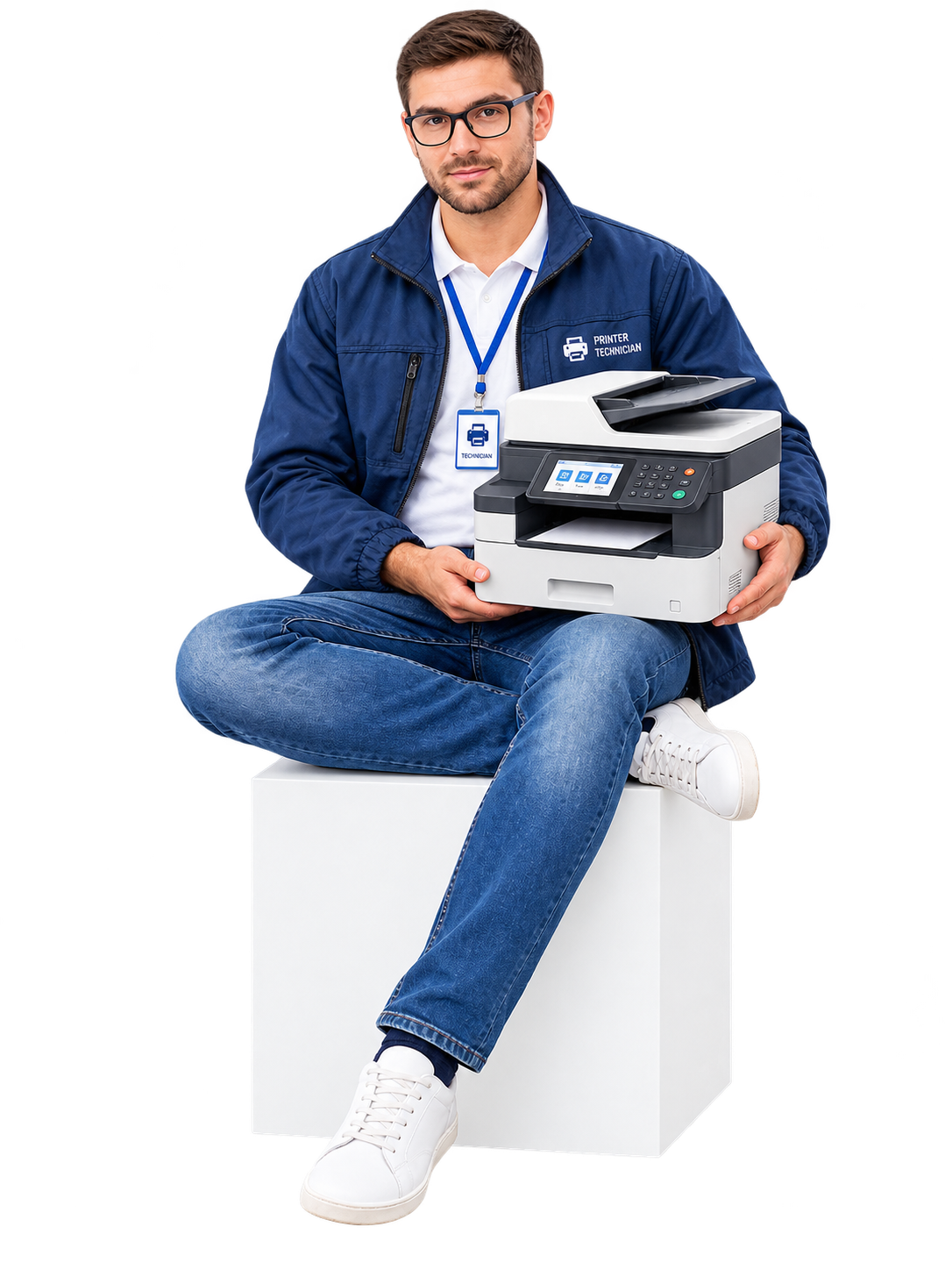
-
-
-
Abu Dhabi | Dubai | Musaffah
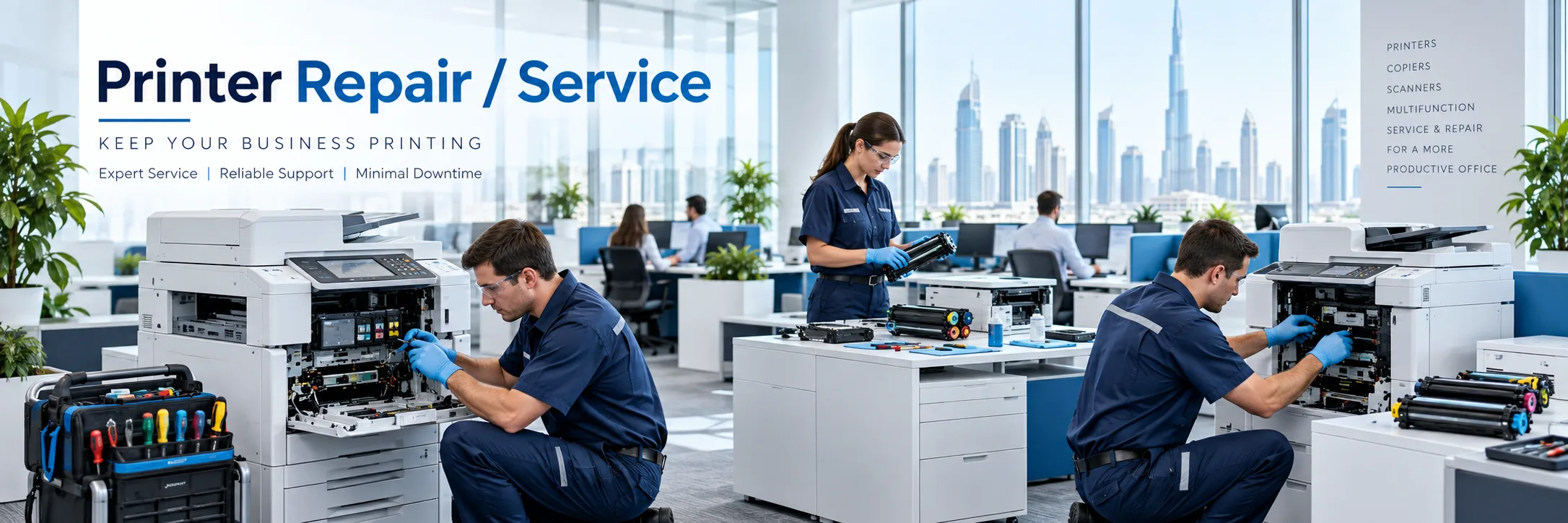
Not every printer needs to be replaced when a problem occurs. Many problems can be related to paper feed problems, consumables, scan errors, network settings or individual components can be diagnosed and repaired.
Superior Office Services LLC (SOS) provides printer repairs services in the UAE for office printers, multifunction printers and photocopiers. SOS request service from the supported equipment from the following brands such as Kyocera, Canon, Konica Minolta, Sharp, HP, Ricoh, Epson, Brother, Triumph-Adler and UTAX. Please specify the printer type and office location when you ask for service so that we know the nature of the problem before we come out to take a look.
Various printer faults can manifest themselves. You might find that the machine keeps jamming, the prints are poor, there is an error message, or it stops scanning but still prints.
Before requesting printer repair services, note:
What the printer is doing
Which function is affected
Whether the problem is constant or occasional
Any error message on the display
Whether the issue started after a recent change
Paper jams that repeatedly occur in the same place can be located close to the cassette bypass tray or duplex path, in the output area, or inside the document feeder. If paper continues to jam in the same location after you remove it, the paper path and feed system may require a detailed inspection.
Lines and streaks, patches of faded print, stains and banding, and inconsistent color coverage can occur for a number of different reasons. Depending on your printer model, you may need to examine the imaging drum, toner/ink, transfer and fixing units, and look for contamination or changes.
Printers and multifunction products may display an error or service message requiring attention. When communicating the message, include the printer model and don't just include an online explanation.
A printer might show a toner or ink warning when using an unrecognized cartridge. It could also fail to print after the consumable has been replaced. Please provide the printer model and the consumable code so the service team can look into the printer issue.
Printing can keep going even if there are issues with scanning or feeding the document. SOS can look into problems like no print coming out, scan quality problems, the automatic document feeder lines appearing on scanned pages, and blurry copies.
Some printer issues are not mechanical at all. If the printer functions on one computer but not another, then this could be a problem with your network or the configuration of your workstation.
SOS handles service enquiries for supported models from several office printer and copier brands, including:
You do not need to diagnose the printer yourself. A few basic details can help start the service enquiry.
Different models can use parts and configurations so the complete model number is important.
Send a photograph of the printer display or computer error whenever possible.
Explain whether the issue affects printing, copying, scanning, document feeding or network printing.
For streaks faded output, marks or colour problems send a photograph of the printed result if available.
Comment on anything that you changed such as toner/cartridge being replaced, printer moved, network changes, driver installs, hard drive replaced, a computer was replaced or they changed the scan settings.
Replacing a printer is not always the choice. At that time, keeping a printer and fixing it again and again may not be practical.
This will come down to the type of fault, the overall condition of the machine as well as its accessibility for parts, and whether the device can still meet the requirements of the office. Repair can work when the problem is small and the printer still handles the workload.
Choose to replace when there are too many major parts of the printer that need fixing, when parts for the printer are difficult to find, when the printer breaks down regularly and when the office now requires new printing and scanning capabilities.
SOS provides printer maintenance UAE support for printers, multifunction devices and photocopiers used in different commercial environments.
Services and related support can include:
Fault diagnosis
Printer repair
Photocopier repair
Network and driver troubleshooting
Toner and consumables
Spare parts
Printer maintenance
AMC options
New printer options
Refurbished printers
Printer rental
SOS also handles multifunction printer repair UAE enquiries for supported office equipment. Since multifunction machines combine printing, copying and scanning problems with functions may require different checks.
SOS also handles photocopier repair UAE enquiries, for supported photocopiers and multifunction copier equipment. Service and parts availability depend on the model and condition.
SOS handles printer repair in Abu Dhabi and printer repair in Dubai. It also takes service requests from Musaffah, Sharjah, Al Ain, Ajman and other locations, in the UAE depending on service availability.
For service enquiries:
Abu Dhabi: 02 442 9966
Dubai: 04 324 0050
Musaffah: 02 550 5265
WhatsApp: +971 50 969 4734
Workplaces have various printing needs. Offices and professional businesses use printers to produce contracts, receipts and reports. Clinics and schools make use of printers to process forms and record information. Companies that deal with logistics and businesses involved in trading often need invoices, delivery papers and stock documents.
The type of printer how much it is used and the exact problem that is happening should all be taken into account when choosing the service.
Everything you need to know. Detailed
overview of our frequently asked questions
A Comprehensive Guide to Our Frequently Asked
Questions
Find the Information You’re Looking For
SOS can review paper jams, print quality, error messages, toner problems, scanner faults, ADF issues and network-related printer problems.
Yes. SOS handles printer service enquiries in Dubai subject to service availability for the model.
Yes. SOS handles printer repair enquiries in Abu Dhabi and other UAE locations to service availability.
SOS supports printer brands. These include Canon, Kyocera, HP, Epson, Brother, Ricoh, Sharp, Konica Minolta, Triumph-Adler and UTAX.
Yes, in some cases a printer can be repaired or replaced. The choice depends on the type of fault how good the printer is in terms of condition whether spare parts are available and how busy the repair team is at the time.
Yes, SOS can repair multifunction printers. They will check the repair needs for supported multifunction printers, in the UAE.
Yes, SOS offers photocopier repair in the UAE. Service requests may include any supported photocopier or multifunction copier equipment.
Yes. Businesses can ask about printer maintenance in the UAE and about AMC options.
Spare parts are available for selected models depending on availability.
To request printer repair, send the printer model, a description of the problem the location and an error photo if you have one through WhatsApp or other available contact channels.




What can I help with?