-
-
-
Abu Dhabi | Dubai | Musaffah
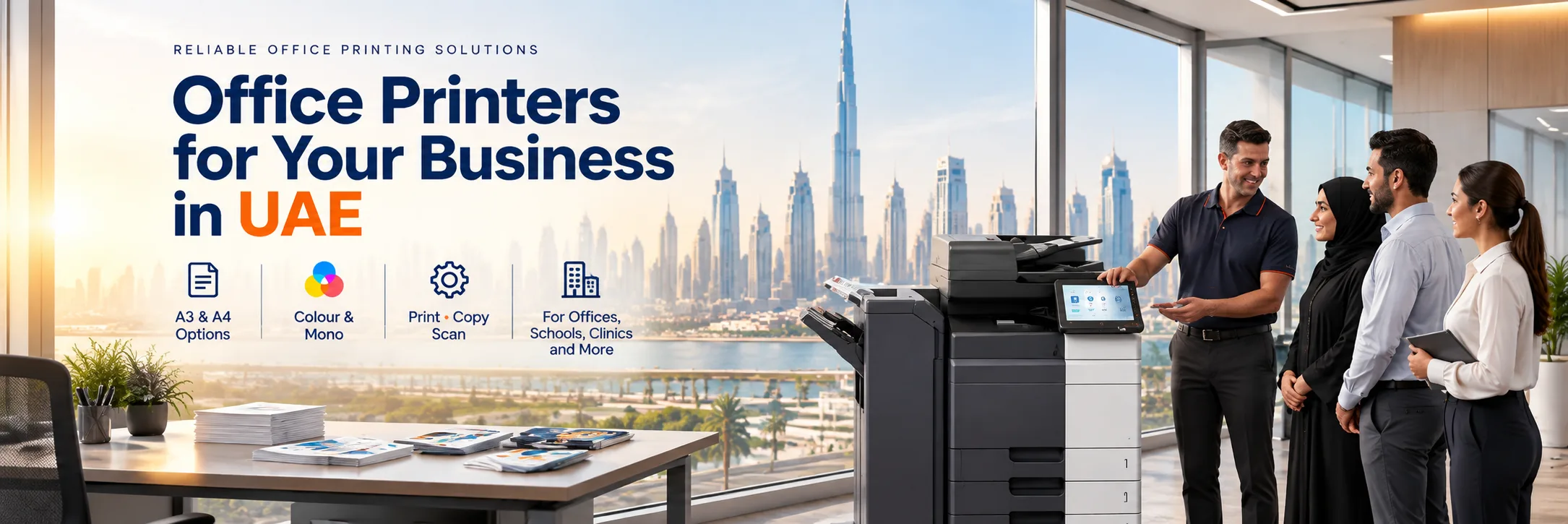
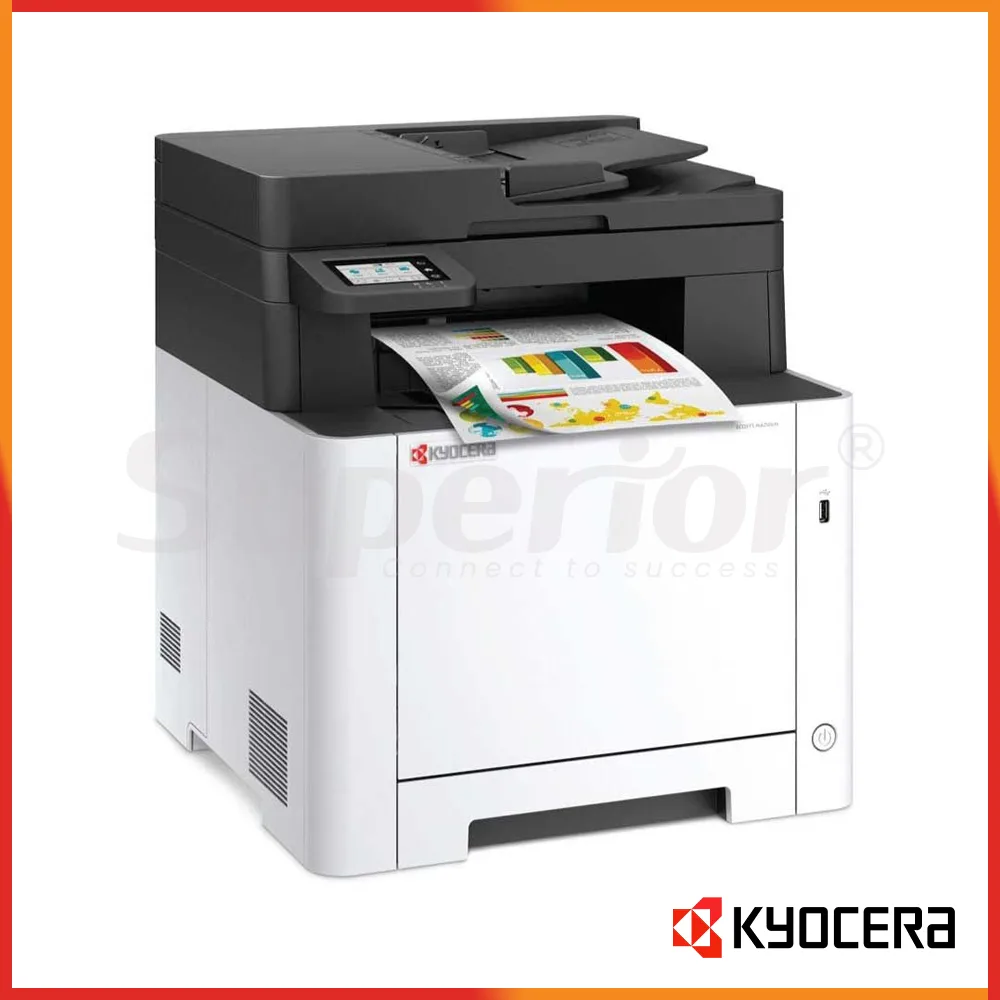
Superior Office Services LLC (SOS) is a printer supplier in the UAE. We offer office printers, multi-function printers and photocopiers for companies. Our selection has A3 and A4 printers, color and black and white machines and multi-function devices that are made for office work. Businesses in Dubai, Abu Dhabi, Musaffah and other areas of the UAE can reach out to SOS to talk about their printing needs and get a personalized quote.
Whenever you need a printer whether it is an office printer, a high‑volume department copier or a multifunction printer that copies, scans and prints picking the printer really depends on the workload the paper size, the number of users and the features you need for the printer.
SOS helps companies that need kinds of office printing equipment. The models that are available can change. Customers should reach out to us to check what is currently in stock and what options are right, for them.
A4 printers are suitable for office documents such as invoices, quotations, letters, reports and forms. A4 printers can be a choice for reception areas accounts departments, small offices and individual workgroups that do not regularly require A3 printing.
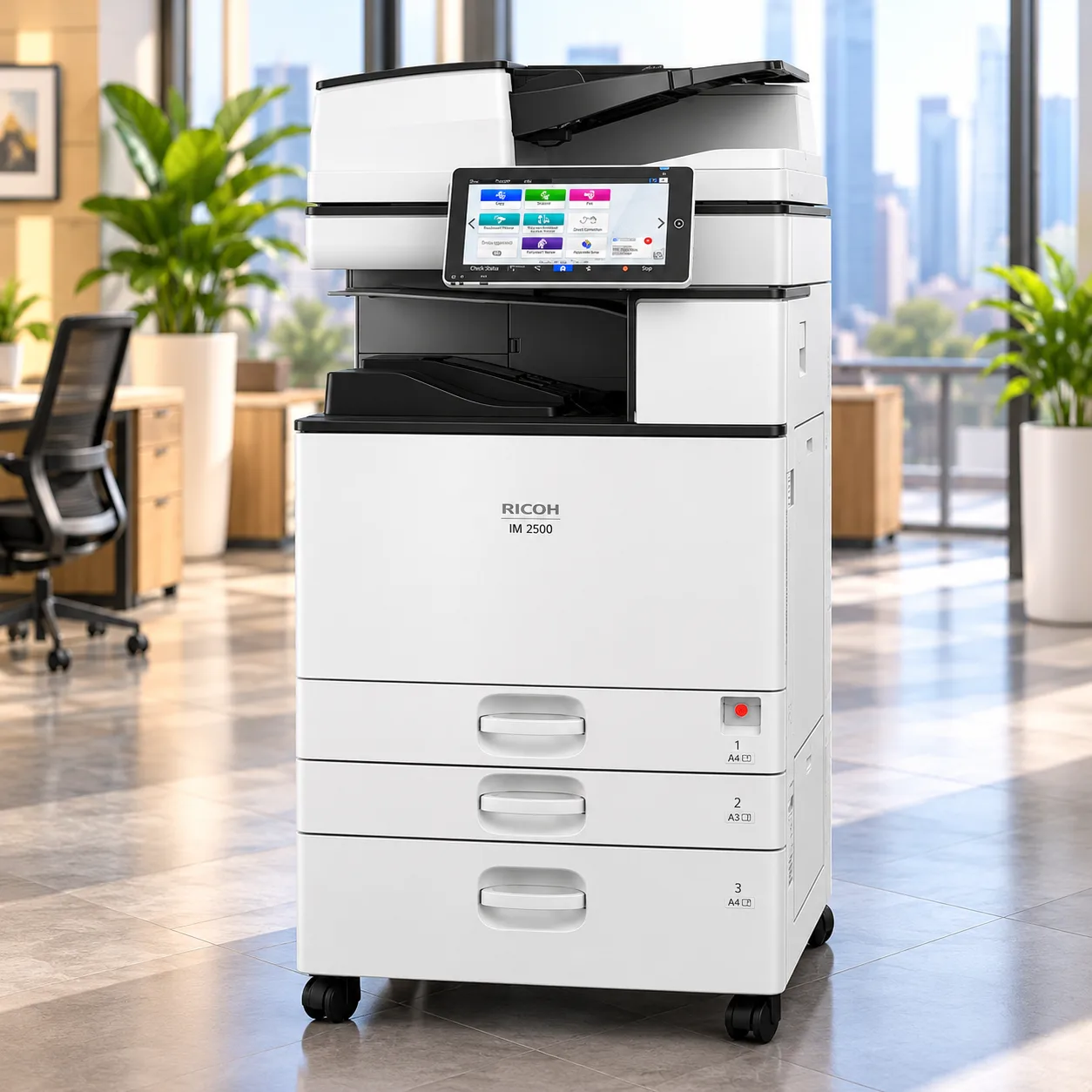
A3 multifunction printers help businesses that need to print spreadsheets, drawings, plans, presentations and other A3 documents. A3 multifunction printers can also print, copy and scan all in one machine, which's perfect for offices where people share equipment.
A3 multifunction printers help businesses that need to print spreadsheets, drawings, plans, presentations and other A3 documents. A3 multifunction printers can also print, copy and scan all in one machine, which's perfect for offices where people share equipment.
A black and white printer is a choice for any office that mostly prints documents that have text, like invoices, agreements, paperwork and old files. Offices that handle money matters, administration, moving things around and keeping track of stock usually go with a white printer.
Large departments that have a lot of printing and copying tasks may need a machine that stands on the floor. This kind of machine can hold paper print faster and offer more ways to finish the copies. The right machine should be chosen based on how it will be used, not just because it is fast.
The SOS brands include Canon, Kyocera, Konica Minolta, Sharp, HP, Ricoh, Epson, Brother, Triumph Adler and UTAX. Models are subject to change and companies should check models and specs before purchase.
Consider anything beyond just the printer's name and not only the brand when considering the purchase of a new printer. Factors to consider are printing speed, paper handling features, scanning capabilities and toner availability.
Choosing an office printer becomes easier when you start with the business requirements. The office printer will then fit your needs perfectly.
If your office mostly works with A4 papers an A4 printer could work fine. If your teams often print papers like spreadsheets or drawings then an A3 all-in-one printer might be a better choice.
Pick a colour printer if your company often makes presentations or graphics or documents that are shown to customers. If most of the printing is text a black and white printer could be more useful.
If employees frequently scan documents or make copies, a multifunction printer can combine these functions in one machine.
Count how many pages your office prints each month. Desk printing and high‑volume departmental printing need different kinds of equipment.
Automatic double-sided printing can be helpful, for reports and internal documents. If many people use the printer make sure the device works with the office network and gives the users the access they need.
Companies that handle types of paper needs might require extra trays. Stapling and other finishing options can be helpful when preparing reports, proposals and document packs.
The price of the printer is one part of owning it. Look into how much toner's needed, how easy it is to get supplies, and how much the printer will be used before you decide.
The price of an office printer is based on the type of printer, whether it prints in A3 or A4, whether it prints in colour or monochrome, how it prints, the workload to be used every month, the capacity of paper you would need and whether the printer has multi-functional features such as scan and copy.
New printers with features often come with a higher initial cost. For businesses that have a limited equipment budget refurbished printers can be a good alternative. It’s important not to decide only based on the purchase price. Instead look at the printer’s features the cost of consumables like ink or toner, service needs and the expected workload.
Contact SOS with your requirements. They can provide a quotation for models that match what you need.
A new printer can be a fit for businesses that want a modern machine with the latest features from the current product line.
A quality-checked reconditioned printer could also be perfect for a business that wants to save money. Before buying any reconditioned equipment make sure to check its condition. Look at the support options the warranty terms and the service agreement details. Also confirm that the printer can handle your workload. SOS can help you review both refurbished options. Find the right fit for your business needs.
SOS helps businesses in Dubai, Abu Dhabi, Musaffah and other places, across the UAE with their printing needs. If you are starting an office swapping out an old copier or adding printers for another team just share your location and what kind of printing you need so the right equipment can be suggested.
Companies that have several branches can also talk about what they need at each site before making sure all their offices use the same type of printing equipment.
Printer ownership goes beyond just buying the machine. Companies also need things like toner, other supplies, extra parts, repairs and regular maintenance during the time the printer is being used.
SOS offers help with printer toner and supplies extra parts, printer repair, maintenance and AMC services for equipment that is supported. Companies can talk about their needs as well, as the first printer buy.
Describe what you produce: Put together the kinds of written materials which flow in and out of your office.
Check paper size: State whether you require A4, A3 or both.
Select colour or mono: Describe how much you usually print in colour.
Share the necessary functions: Print, copy, scan, duplex and network.
Talk about workload: Give a rough estimate of the amount of time or users.
Compare appropriate choices: Consider through models that you simply need before will help.
Obtain a quote: Specify the machine, delivery conditions and support required.
You don't have to know all the details before reaching out to SOS. The printer you are using now a picture of the machine or just a basic explanation of what your office needs can be enough to begin the conversation.
We provide reliable and efficient printers that have high quality. We can promise 100% satisfaction with our product.
If you purchase the printer from us, you can get full customer support including installation assistance and troubleshooting guidance.
Get a printer built for your business—customized to your needs, with specialized features and easy integration into your existing systems.
Save more with our high-quality, budget-friendly printers—designed to be energy-efficient, eco-friendly, and cost-saving for your business.
We provide a large selection of models. So you can find the printer that best fits your requirements quickly. And it saves you time.
More than just a purchase—it's a partnership. We support you every step of the way with maintenance, upgrades, and solutions that grow with your business.
Everything you need to know. Detailed
overview of our frequently asked questions
A Comprehensive Guide to Our Frequently Asked
Questions
Find the Information You’re Looking For
SOS supplies A3 printers and A4 printers and colour printers and monochrome printers and multifunction printers and office photocopiers.
Yes. SOS helps businesses, in Dubai and Abu Dhabi and Musaffah and other UAE areas.
Think about your paper size and printing volume and colour needs and the functions you need.
A4 works well for papers while A3 is good for bigger papers, drawings and tables.
Color printers are good for slides, ads, graphs and documents that are shown to customers.
Costs vary based on the printer type, features, speed, size and how much it is used. Talk to SOS for a price.
Yes. SOS has toner, supplies and extra parts for machines that are supported.
Yes. SOS does repair, cleaning and service agreements, for printers that are supported.
Tell SOS where you are, what kind of printer you need and how much you will use it to get a price.




What can I help with?