
-
-
-
Abu Dhabi | Dubai | Musaffah


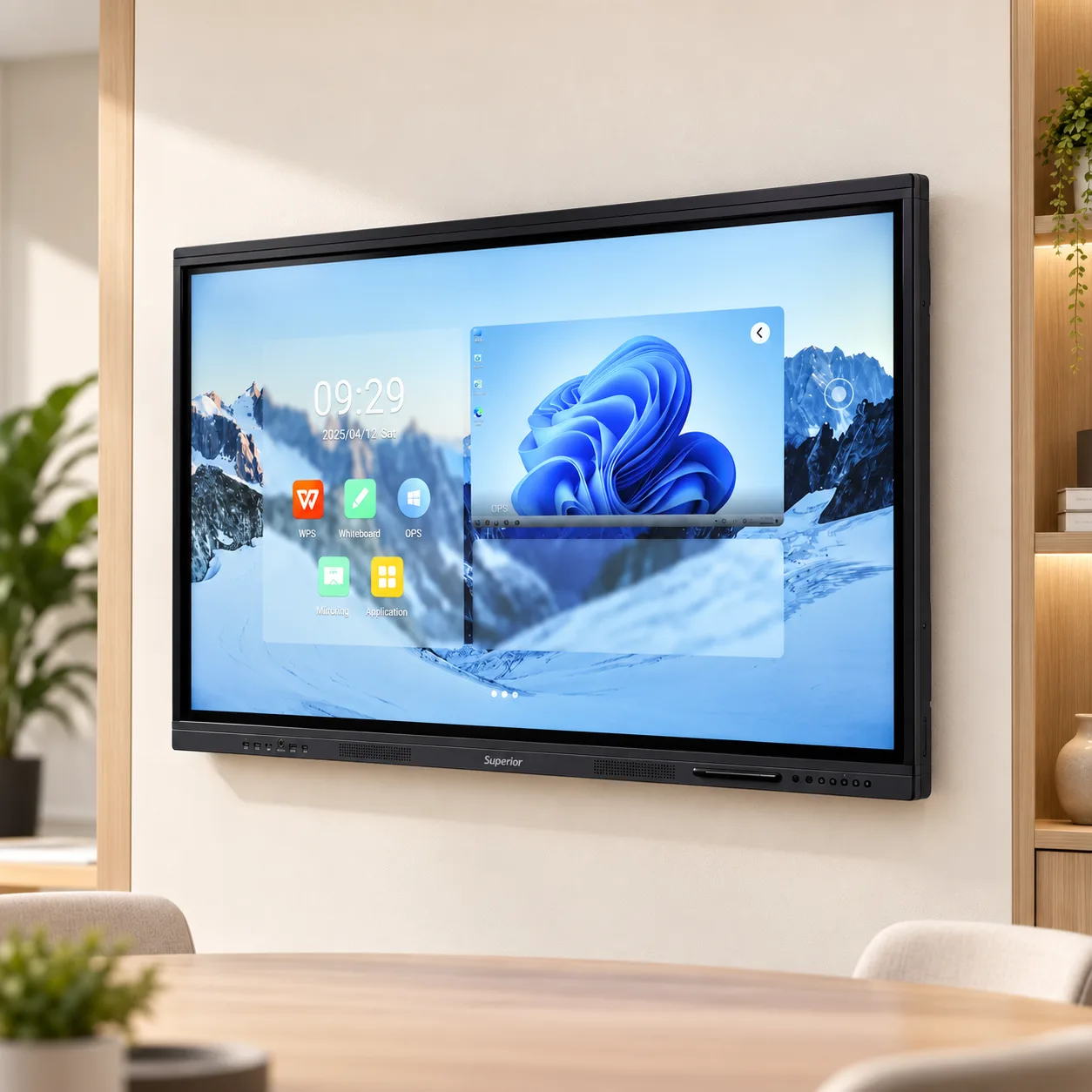
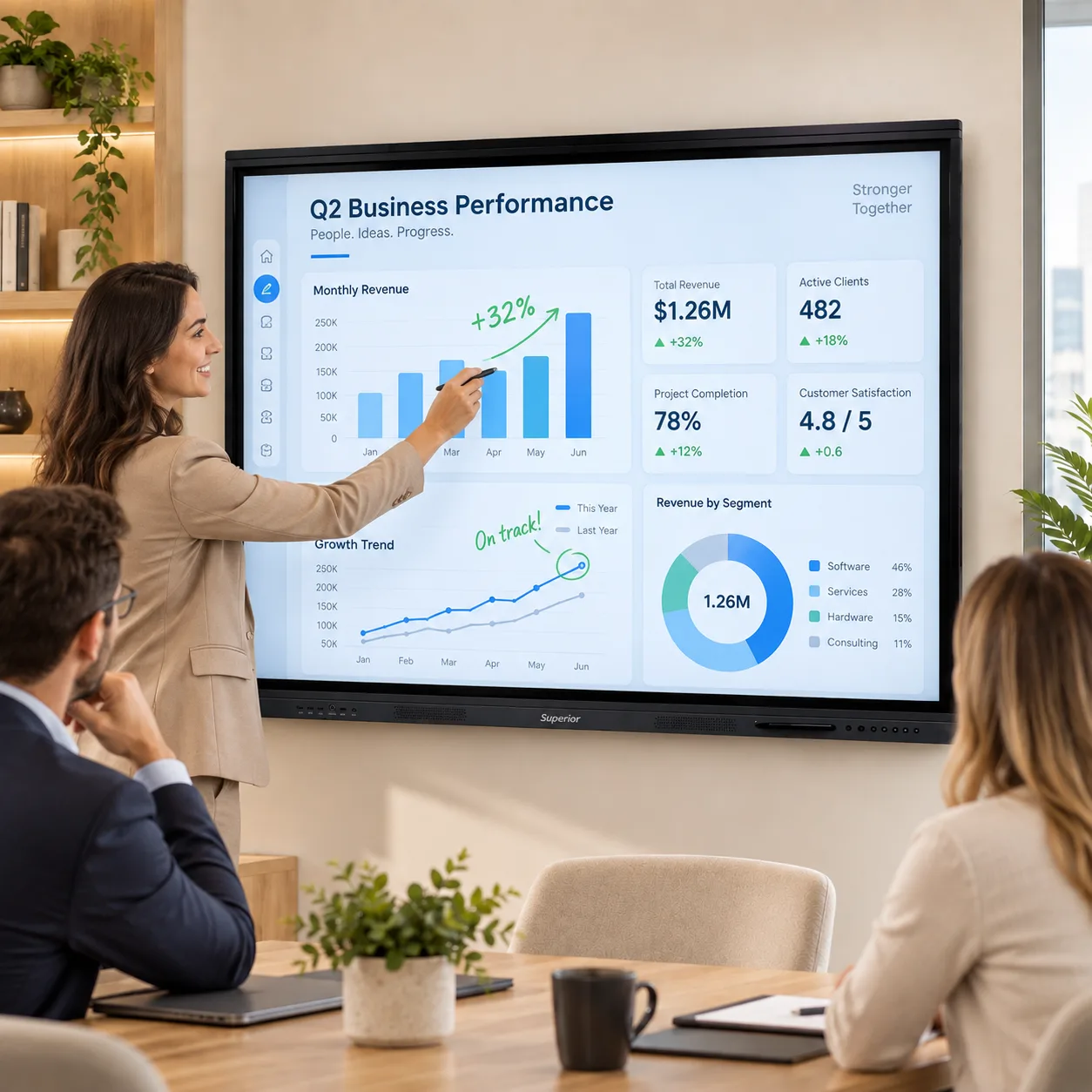
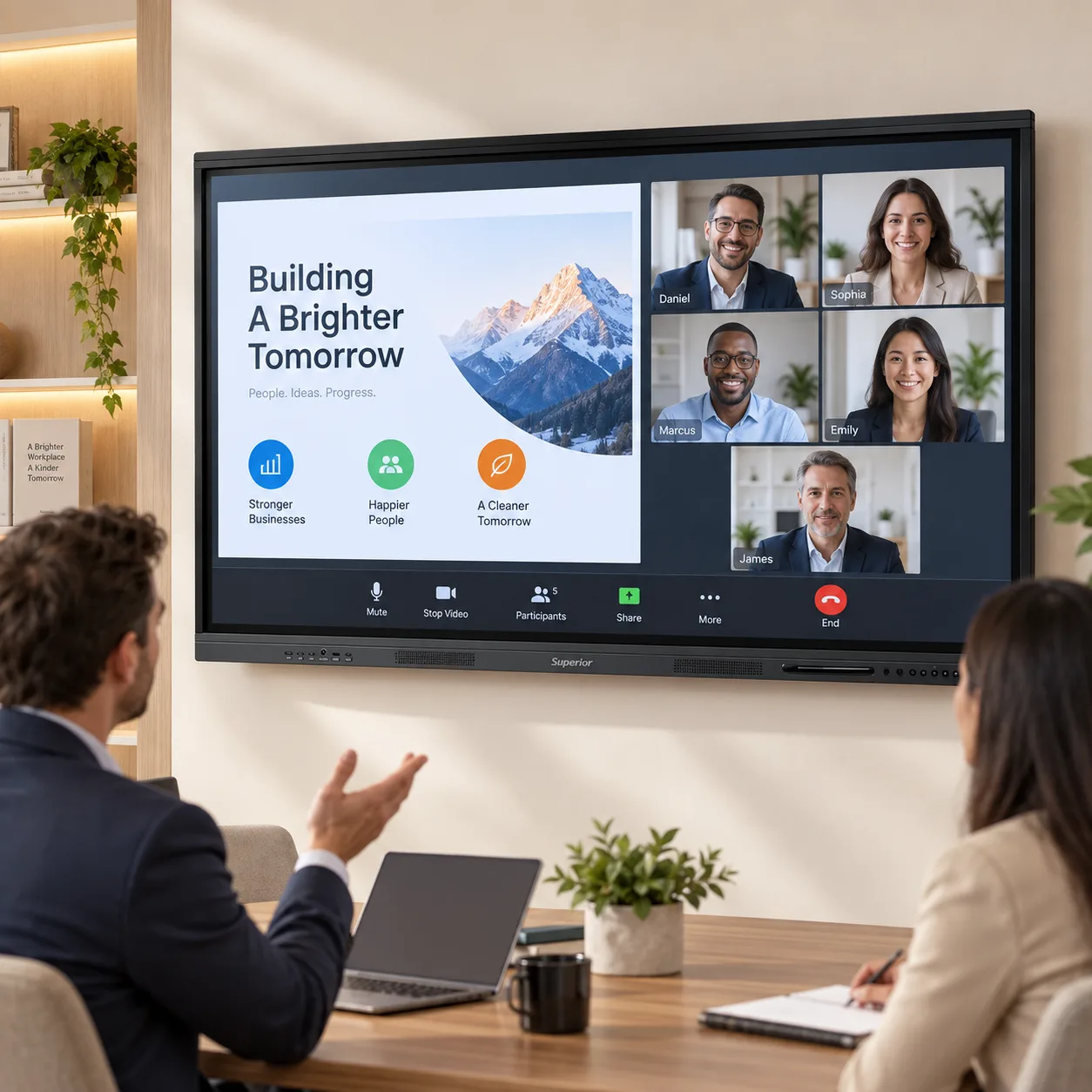
Interactive Flat Panel Pro 65 Inch
|
The word "Pro" gets attached to a lot of products that are the same product with a higher price. This is not one of those. The Pro 65 shares its screen, glass, touch layer, ports and speakers with our standard 65 inch panel, and then changes the three things that decide how the panel behaves in year three rather than week one: Android 14 instead of Android 11, 8GB of memory instead of 4GB, and 128GB of storage instead of 32GB. It comes with a one-year on-site warranty across the UAE.
If you are buying a single panel for a room where it will be a display first and a computer second - a screen for a laptop to cast to, a whiteboard for the occasional sketch - the standard 65 is the sensible purchase and we will happily sell it to you. The Pro is for the rooms where the panel is the computer. Where nobody plugs anything in, where four or five apps are open at once, where a term's worth of recorded lessons or a year of meeting boards live on the device itself, and where the IT department wants the thing to still be receiving updates and running current software in 2029.
Android 14. Three versions on from Android 11, and the gap is not cosmetic. Android 14 is the version currently receiving security patches and the one that current versions of casting apps, classroom tools and video conferencing clients are tested against. Android 11 works today; it is also the version those developers will drop support for first. On a device that will be bolted to a wall for five to seven years, the operating system's remaining support life is the specification that quietly matters most, and it is the one that never appears on a comparison chart.
There are practical gains as well. Android 14 handles split-screen and multi-window more gracefully, manages memory better when several apps are open, and offers finer control over what a signed-in user can and cannot change - useful when the same panel is used by a dozen different teachers in a week.
8GB of RAM. Double the standard model. The point at which a 4GB panel starts to feel slow is not when you open the whiteboard; it is when the whiteboard is open alongside a browser tab, a PDF, a casting session from a student's tablet and a screen recording running in the background. Each of those is small on its own. Together, on 4GB, the panel starts closing things you had not finished with. On 8GB it does not, and the difference shows up as a teacher not having to reopen the lesson they were halfway through.
128GB of storage. Four times the standard model. Whiteboard files are small. Screen recordings are not. A recorded 40-minute lesson at 4K can run to several gigabytes, and a panel with 32GB of storage - of which the operating system already occupies a share - fills up within a fortnight of recording daily. 128GB means a department can keep a term of recordings on the device, or a training company can hold its entire course library locally and run sessions with no network at all. It also means an OPS module becomes optional for a larger set of rooms, because local storage was one of the main reasons people bought one.
Screen recording and sharing. Record what happens on the panel - the annotations, the cast content, the audio - and share the file directly. For a school that is the absent student's lesson, delivered as the actual lesson. For a company it is the training session that no longer needs to be run twice. The feature is available on both models, but the Pro is the one with the memory to run it alongside everything else and the storage to keep the output.
65 inches diagonal at 3840 x 2160. That is the same pixel count as the 75 inch Pro on a smaller surface, so the image is slightly sharper up close, which suits the rooms this size is aimed at: classrooms of 20 to 25, meeting rooms seating eight to twelve, training rooms in a horseshoe. The working limit is a viewing distance of roughly six times the screen height, which for a 65 inch panel is about 4.5 metres. Rooms deeper than that should look at the 75 inch Pro instead; the two share every specification except size.
Brightness sits at 350 to 400 nits behind an anti-glare surface. Those two facts belong together. A gloss screen at 500 nits loses to a matte screen at 350 in any UAE room with a window in it, because the failure mode is reflection, not dimness. The anti-glare treatment diffuses the room instead of mirroring it, and a 178 degree viewing angle means the image holds across the full width of the front row.
Infrared, 20 simultaneous points, about 1mm accuracy, under 5ms response.
Two of those numbers are about groups and two are about handwriting. Twenty touch points means several people can work on the board at once without the panel dropping or swapping contacts - four to six in practice, side by side. The accuracy and latency figures decide whether writing on the panel feels like writing. Ink that lands a few millimetres from the nib or a beat behind it makes people write slowly and then stop writing altogether. At 1mm and under 5ms nobody notices the panel, which is the goal.
The touch layer separates pen tip, fingertip and palm, so you write with the stylus, tap with a finger and erase with the side of your hand, without switching modes. Two stylus pens are included.
The front is 4mm tempered glass rated at Mohs level 7 - harder than the keys, coins, rings and laptop corners that are what actually scratch displays in a working building. It will not shrug off a thrown chair, but it will not develop the haze of fine scratches that makes a three-year-old panel look ten.
The chassis is matte aluminium alloy, black or silver, and it is fanless. A large panel generates heat; aluminium dissipates it without a fan, so the panel is silent in a room where someone is trying to be heard. It mounts on a standard VESA bracket, which is included. [CONFIRM: weight and VESA pattern, so specifiers can check the wall.]
Front bezel: USB 3.0, USB Type-C, touch USB, HDMI. Side panel: two HDMI in, one HDMI out, VGA, audio in, audio out, RS232, LAN, USB, AV.
The front ports are for people and the side ports are for infrastructure. A visitor with a laptop or a teacher with a memory stick uses the bezel and never has to see the back of the mount. The permanent connections - room PC, document camera, conference bar, house audio - go in once at installation. RS232 and LAN are there so the panel can sit inside a managed AV or building control system and be powered on and off on a schedule, which is how most government and larger corporate estates in the UAE run their rooms. VGA remains because a lot of working equipment in this country still outputs it.
Dual-band Wi-Fi and Bluetooth are built in. If the panel will stream video daily, run the LAN cable.
The Pro 65 has an OPS slot for an Intel Core i5 or i7 module with 8GB to 16GB of RAM and a 256GB to 512GB SSD. It sits inside the panel, shares its power and switches with one tap. With Android 14 and 8GB on board, fewer rooms need one than used to: whiteboarding, casting, browsing, document viewing and recording all run natively. The module earns its place when the room needs domain login, Teams as a Windows application, AutoCAD, or an assessment platform that only runs on a desktop browser. [CONFIRM: whether the OPS module can be retrofitted after installation.]
Two 15W speakers, built in. Enough for a room of this size without a soundbar. For video calls add a USB or Bluetooth conference microphone; for a larger space or an existing installed system, take audio out over line out or HDMI ARC.
Schools running the panel standalone. No room PC, teachers casting from their own tablets, lessons recorded and kept on the device, a dozen different users a week. This is the case the Pro was specified for.
Training providers. A course library stored locally, sessions recorded for absentees or compliance, and no dependence on the venue's network.
Meeting rooms with no dedicated PC. Casting, mark-up, recording the call's whiteboard, sending the file out before people leave - all without a laptop docked to the table.
IT-managed estates. Where the AV team is planning on a five-year replacement cycle and wants the operating system to still be supported at the end of it.
Anywhere the standard 65 would be bought and then have an OPS module added for storage or speed. The Pro is usually the cheaper route to the same outcome.
The Pro 65 carries a one-year on-site warranty. On-site means a Superior Office Services engineer comes to the panel; you do not take it off the wall and ship it anywhere. Service runs from our Abu Dhabi and Dubai premises and covers all seven emirates. [CONFIRM: typical response time and whether extended warranty is available.]
We stock the panels, deliver them, and install them with our own team: wall mounting, cable dressing, network connection, OPS fitting where ordered, and a handover session for the people who will use the room. The handover is not a courtesy. The commonest reason an interactive panel sits unused is that nobody showed the staff how it works.
Multi-room and tender projects are priced separately from the web listing and come with the documentation procurement teams need. Rental is available for a term, a project office, an exhibition or a temporary programme. [CONFIRM: rental minimum period.]
It is easier to see what the specification means by following one panel through a day.
Eight in the morning, a Year 9 maths class. The teacher taps the panel on, opens the whiteboard, and casts a worked example from her tablet. Three students come up and each solves a variant in their own corner of the screen while she circles the step one of them missed. She hits record at the start and stops at the bell. The board, the annotations and her voice are saved as one file on the panel. A student who was off sick that day gets the lesson that afternoon - not a photograph of a whiteboard, the lesson.
Eleven o'clock, a different teacher, a different subject. He plugs a memory stick into the front bezel, opens a PowerPoint directly on the panel, and annotates over the slides as he goes. Nothing is installed, nothing is logged into, and nothing he does affects the maths lesson stored from earlier.
Two in the afternoon, the room is booked for a parents' meeting. Someone casts from a phone, shares a PDF, marks it up, and sends the marked-up copy to the parents from the panel before they leave.
Four o'clock, the department head reviews the day's recordings from the panel's file manager, exports two to a shared drive, and leaves the rest where they are. Storage used across the day: a few gigabytes. Storage remaining: most of 128GB.
None of that needed a room PC, an OPS module or an IT ticket. On a 4GB, 32GB panel the recording would have been the first thing to go - either the panel would have closed it under memory pressure during the lesson, or the storage would have filled within the fortnight.
The Pro 65 costs more than the standard 65 on the day of purchase. Over a five-year life the comparison changes.
A standard 65 that later needs an OPS module for local storage or multi-app speed costs more in total than a Pro 65 bought outright, and it means a second installation visit. A projector-based room saves on the display and then spends it again on lamps, filters, a ceiling mount, a separate whiteboard and, eventually, a replacement projector. A consumer television with a touch overlay is cheaper still on paper and is the option most often replaced within three years, because neither part was built for eight hours a day and neither warranty covers commercial use.
The other cost that rarely makes the spreadsheet is software support. A panel on Android 11 will reach the end of what current apps support before a panel on Android 14 does. When that happens the choice is a replacement or a room where the casting app no longer connects to anyone's phone. Buying the current operating system is the cheapest way to push that day out.
How deep is the room, and where do the furthest seats sit? What is the wall made of - concrete, block, stud, glass partition? Is there a room PC today, and does anyone actually use it? Do the people using the room need Windows software, or do they need to cast, write, record and share? How many rooms, and over what period? Is this a purchase, a rental, or a tender?
The answers change the recommendation, sometimes to a different product on this site and occasionally to a cheaper one. We would rather have that conversation than sell a Pro into a room that needed a standard, or a standard into a room that will be back for an upgrade in a year.
Standard 65 inch. Same screen and touch, Android 11, 4GB, 32GB. Right for a room where the panel is mainly a display and a laptop does the work.
Pro 65 inch. This page. Android 14, 8GB, 128GB, one-year on-site warranty. Right for a room where the panel is the computer.
Pro 75 inch. Identical to the Pro 65 in every specification except size. Right for the same use in a room deeper than about 4.5 metres.
Panel, two smart stylus pens, VESA wall bracket, remote control, USB touch cable, quick start guide and user manual. Floor stands, trolleys, conference camera bars and OPS modules are sold separately.
A short call resolves the questions a product page cannot: how deep the room is, what the wall is made of, whether anyone actually needs Windows, and whether rental fits the budget better than purchase. Call 800 SOS UAE (800 767 823), send a WhatsApp, or use the enquiry form on this page. Demonstrations are available at our Abu Dhabi and Dubai premises, or on site for school and corporate projects.
Additional Information
What can I help with?