-
-
-
Abu Dhabi | Dubai | Musaffah


Interactive Flat Panel Pro 75 Inch
|
A 75 inch touch display that replaces the projector, the whiteboard and the meeting room laptop dock. Stocked in the UAE, installed by our own team, backed by a local warranty.
The infrared touch layer tracks up to 20 points simultaneously and lands within 1mm of where the pen actually is. Response comes in under 5 milliseconds, which is the difference between writing on a board and waiting for a board to catch up with you. Ink follows the nib. Nobody has to slow down for it.
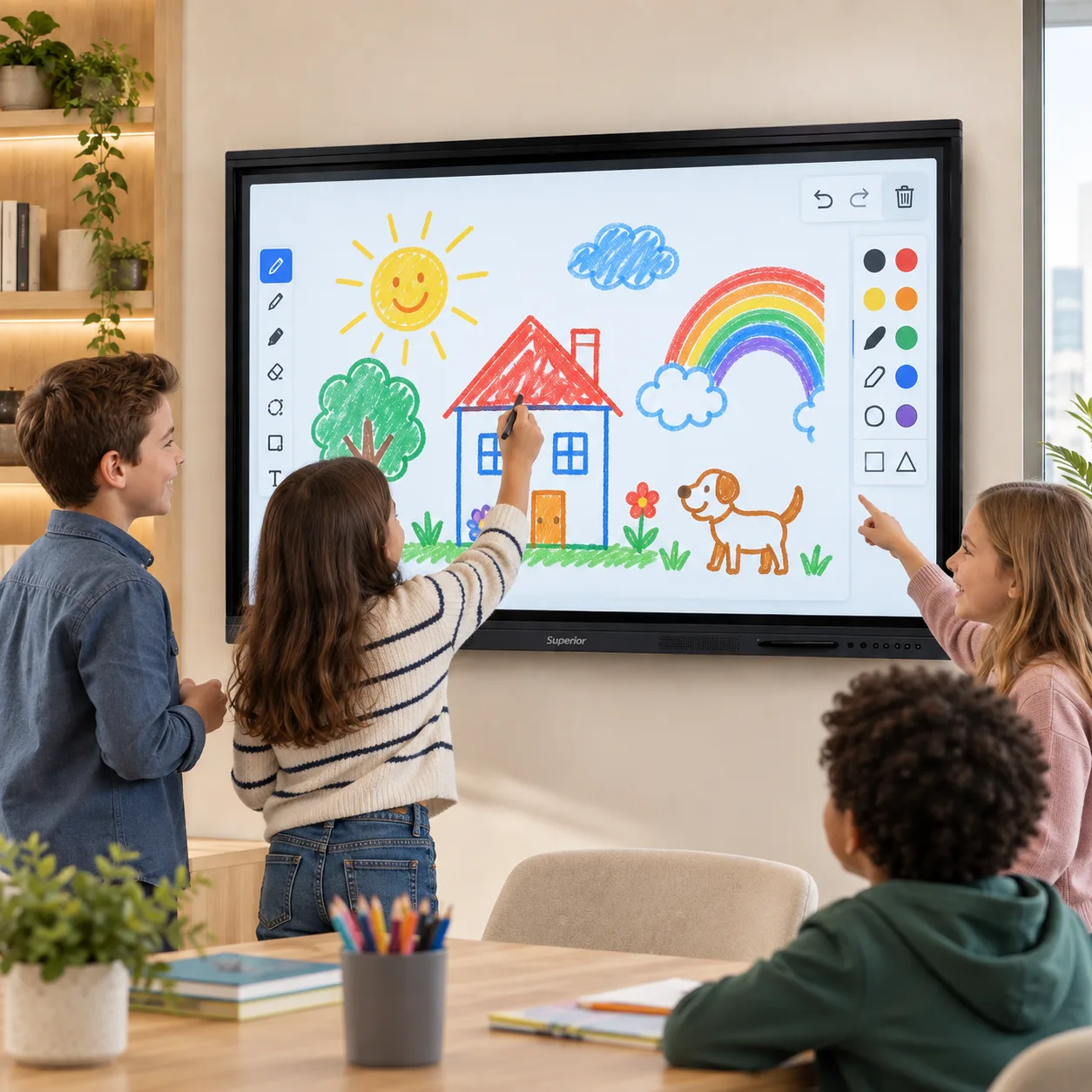
Practically, that means four students can solve four problems on the same screen while the teacher circles the one that went wrong. Or a project team can mark up a floor plan together instead of passing a mouse around.
The panel tells the difference between a pen, a fingertip and a palm. Write with the stylus, tap menus with a finger, wipe with the side of your hand. No mode switching, no toolbar hunting.
Consumer TVs get bolted to meeting room walls all over this country and they do not last. This one uses 4mm tempered glass at Mohs level 7 hardness, so keys, rings and the corner of a laptop do not leave a mark. The anti-glare surface is the part people notice first: a 75 inch gloss screen in a room with UAE window light is close to unusable by 11am, and this one is not.
The frame is matte aluminium alloy in black or silver. Brightness runs 350 to 400 nits with a 178 degree viewing angle, so the back row and the far corner see the same image as the person at the board.
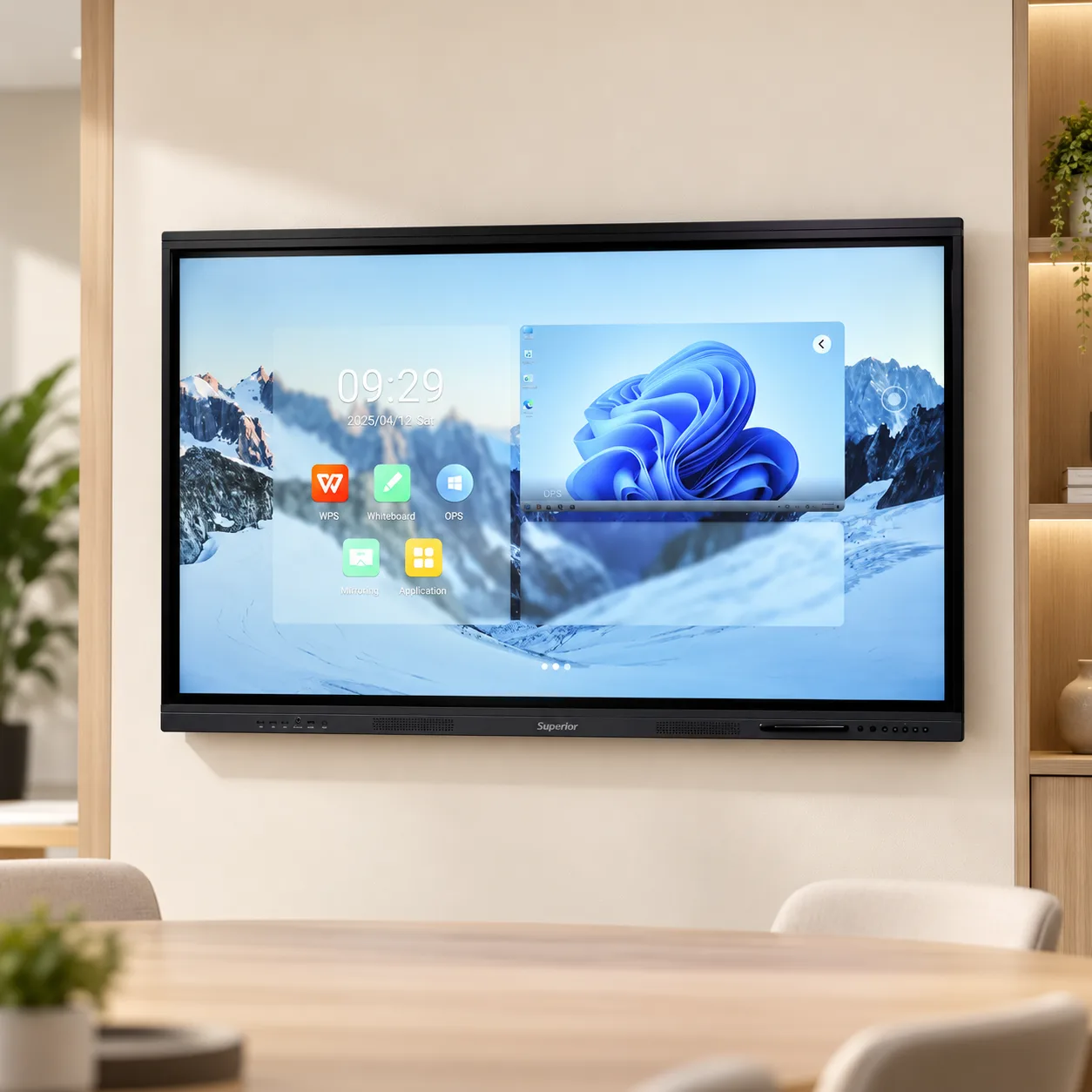
Android 11 runs on a quad-core Cortex-A73 with Mali-G52 graphics, 4GB of RAM and 32GB of eMMC storage. Power on, open the whiteboard, and go. Files save to the panel or to a USB stick on the way out of the room.
What comes loaded:
Whiteboard with pen, gesture and eraser recognition
Annotation over anything on screen, across common document and image formats
Split screen, so a browser and a worksheet share the display
A floating toolbar that follows you to whichever side of the board you are standing on
Wireless casting from Windows, macOS, Android and iOS
Dual-band Wi-Fi and Bluetooth are built in. LAN is there for the IT departments who would rather run a cable.
Some rooms need the real thing: domain login, Teams, AutoCAD, a school MIS that only runs on Windows. The panel accepts a slot-in OPS module with an Intel Core i5 or i7, 8GB or 16GB of RAM and a 256GB or 512GB SSD. It sits inside the chassis, powers with the panel and switches with one tap. No second box, no separate power brick, no HDMI cable that goes missing.
[Confirm the OPS module price and whether it ships fitted or separately.]
Front bezel: USB 3.0, USB Type-C, touch USB, HDMI. Side panel: two HDMI in, one HDMI out, VGA, audio in and out, RS232, LAN, USB, AV.
The front ports are the ones that get used. A guest arrives with a laptop, plugs into the bezel, and their screen is up in seconds. The side and rear connections handle the permanent kit: room PC, camera, sound system, control processor over RS232.
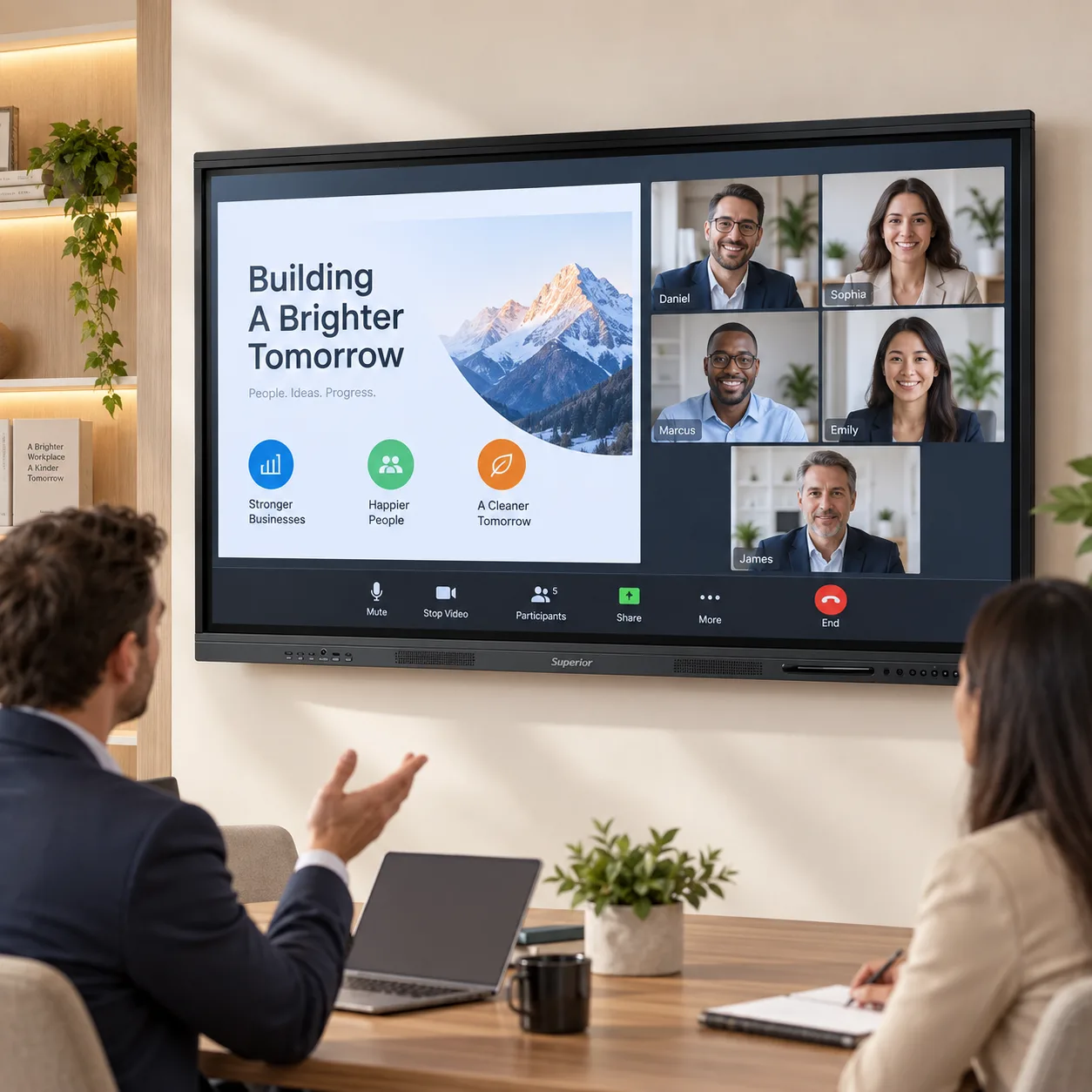
Two 15W speakers are enough for a classroom or a mid-sized boardroom without extra hardware. For larger halls or video calls, run audio out over line out or HDMI ARC to your existing system, and connect a USB or Bluetooth conference mic.
Interactive Flat Panel Pro, 75 inch
2 smart stylus pens
Wall mounting bracket (VESA)
Remote control
USB touch cable
Quick start guide and user manual
Floor stands, trolleys and camera bars are available separately. [Add the SKUs or link the accessory category.]
Display | |
Screen size | 75 inches |
Resolution | 3840 x 2160 (4K Ultra HD) |
Brightness | 350-400 nits |
Viewing angle | 178 degrees |
Glass | 4mm anti-glare tempered, Mohs level 7 |
Touch | |
Technology | Infrared |
Touch points | Up to 20 simultaneous |
Accuracy | +/- 1mm |
Response time | Under 5ms |
Input methods | Finger, stylus, palm erase |
System | |
Operating system | Android 11 |
Processor | Quad-core ARM Cortex-A73 |
Graphics | Mali-G52 MP2 |
Memory | 4GB RAM |
Storage | 32GB eMMC 5.1 |
Optional PC module | Intel Core i5 / i7, 8-16GB RAM, 256-512GB SSD |
Connectivity | |
Front ports | USB 3.0, USB Type-C, touch USB, HDMI |
Side ports | 2x HDMI in, 1x HDMI out, VGA, audio in/out, RS232, LAN, USB, AV |
Wireless | Dual-band Wi-Fi, Bluetooth |
Audio | |
Speakers | 2 x 15W |
Mic support | USB and Bluetooth |
Audio out | Line out, HDMI ARC |
Physical & power | |
Frame | Aluminium alloy, matte finish |
Colour | Black / Silver |
Mounting | VESA wall mount |
Power | AC 100-240V, 50/60Hz |
Standby | Eco standby mode |
Supply | |
Warranty | [state the period - e.g. 1 year on-site] |
Installation | Dubai, Abu Dhabi, Sharjah and other emirates |
Lead time | [state it - "in stock, next working day" converts far better than silence] |
Schools and universities. Hybrid teaching is now normal across UAE curricula. Cast a lesson from a tablet, annotate it live, save the annotated version and share it with students who were absent. Twenty touch points turn the front of the room into group work rather than a demonstration.
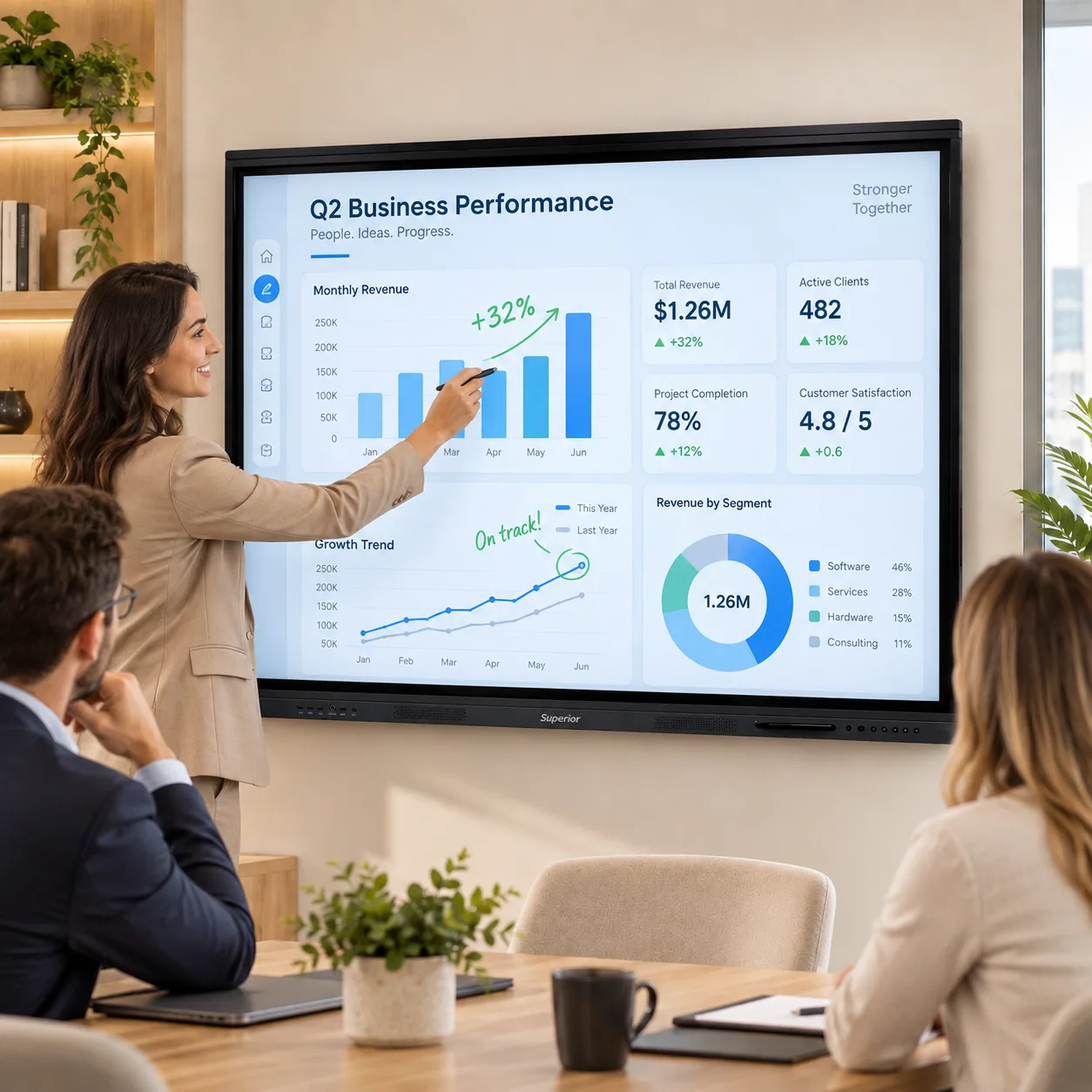
Boardrooms and meeting rooms. Wireless casting removes the cable ritual at the start of every meeting. Mark up a contract, a Gantt chart or a site drawing while the call is running, then send the marked-up copy before anyone leaves.
Training rooms. Split screen keeps the reference document on one side and the exercise on the other. Trainers who move between sites can carry their content on a USB stick and use the panel's own system.
Retail, reception and events. Between sessions, the panel runs signage, wayfinding or a product catalogue that visitors can browse themselves.
We hold stock, deliver and install. Our technicians mount the panel, dress the cables, connect it to your network, fit the OPS module if you have ordered one, and stay long enough to walk your staff through the whiteboard and casting tools.
Coverage: Dubai, Abu Dhabi, Sharjah, Ajman, Ras Al Khaimah, Fujairah and Umm Al Quwain.
Superior Office Services has been supplying and servicing office equipment in the Emirates for [X] years, with a main office in Tourist Club Area, a warehouse in Mussafah and an IT trading division in Dubai International City. Service calls are handled by our own engineers, not routed to a third party.
Bulk and tender pricing. Schools fitting out a floor and companies rolling out multiple rooms should call rather than order online. We quote per project and can supply the documentation your procurement team needs.
Ask about rental. If the requirement is a term, an exhibition or a project office, renting the panel may cost less than buying it.
Additional Information
What can I help with?